MeerTimer
Native time tracker for macOS and Windows: click a project and the timer runs, reports show where the hours went
Screenshots
Problem
Freelancers and small teams bill by the hour, but most trackers ask for an account, a browser tab or a plugin per tool. Time gets logged after the fact and from memory, and the reports stop matching reality.
Solution
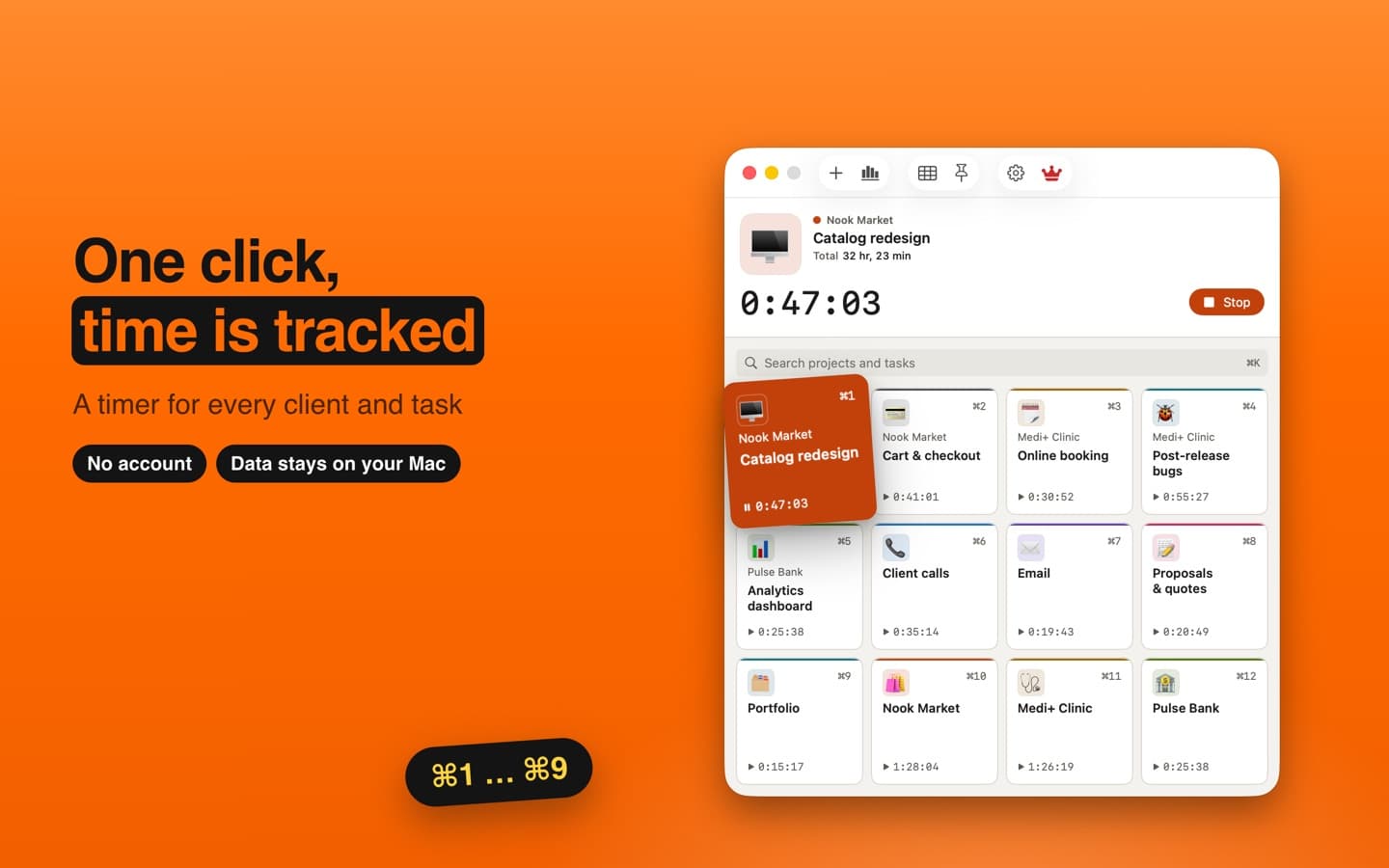
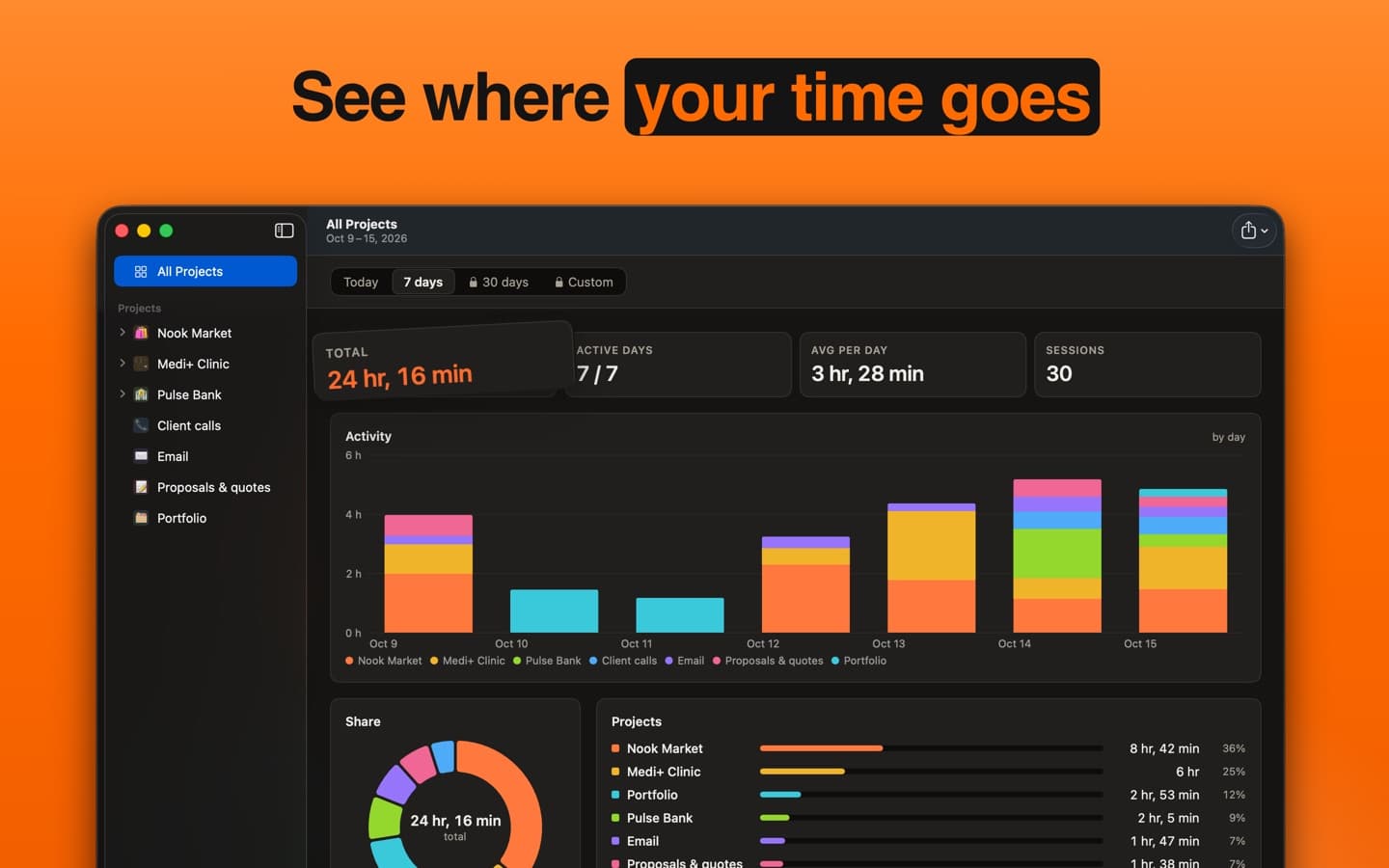
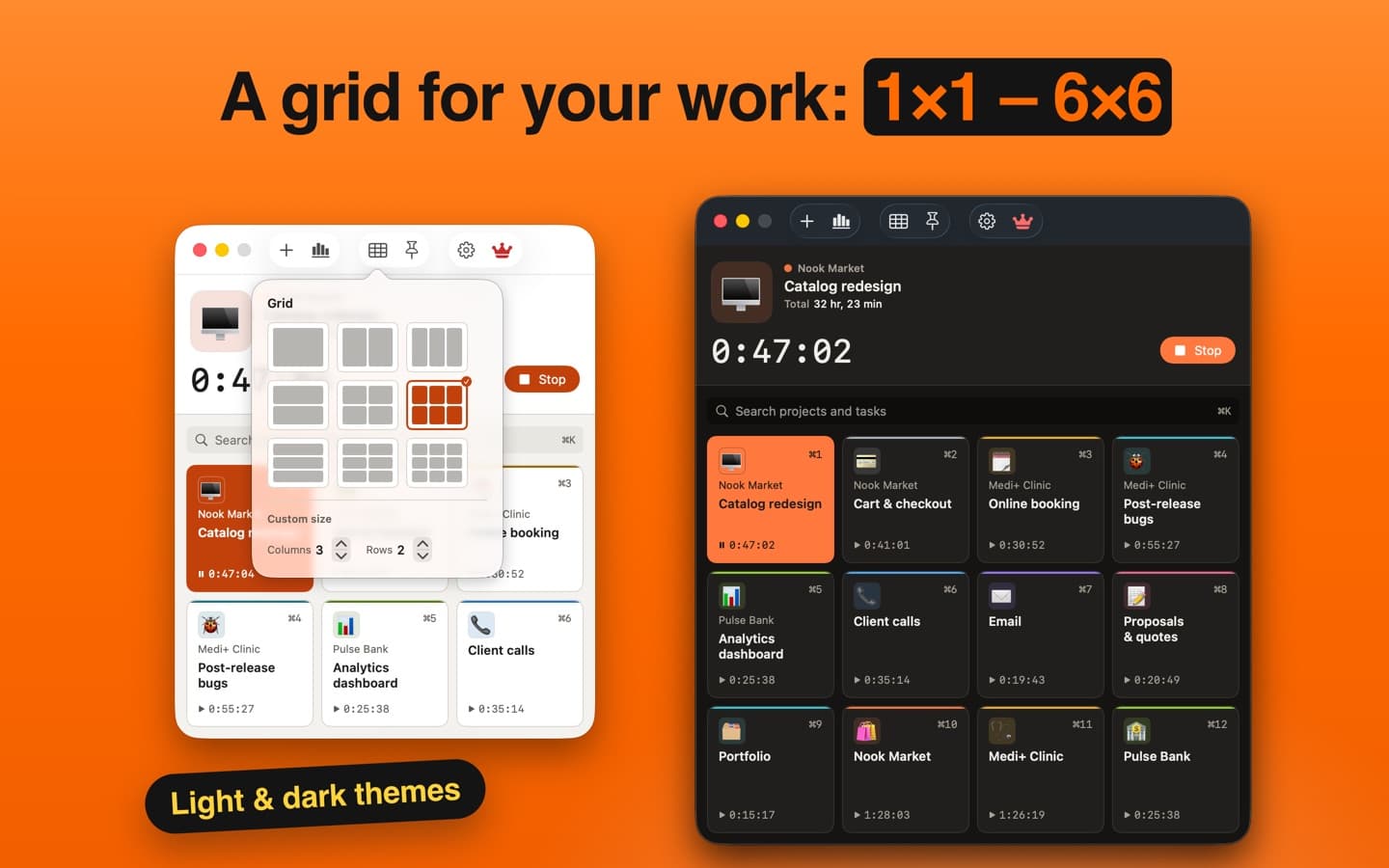
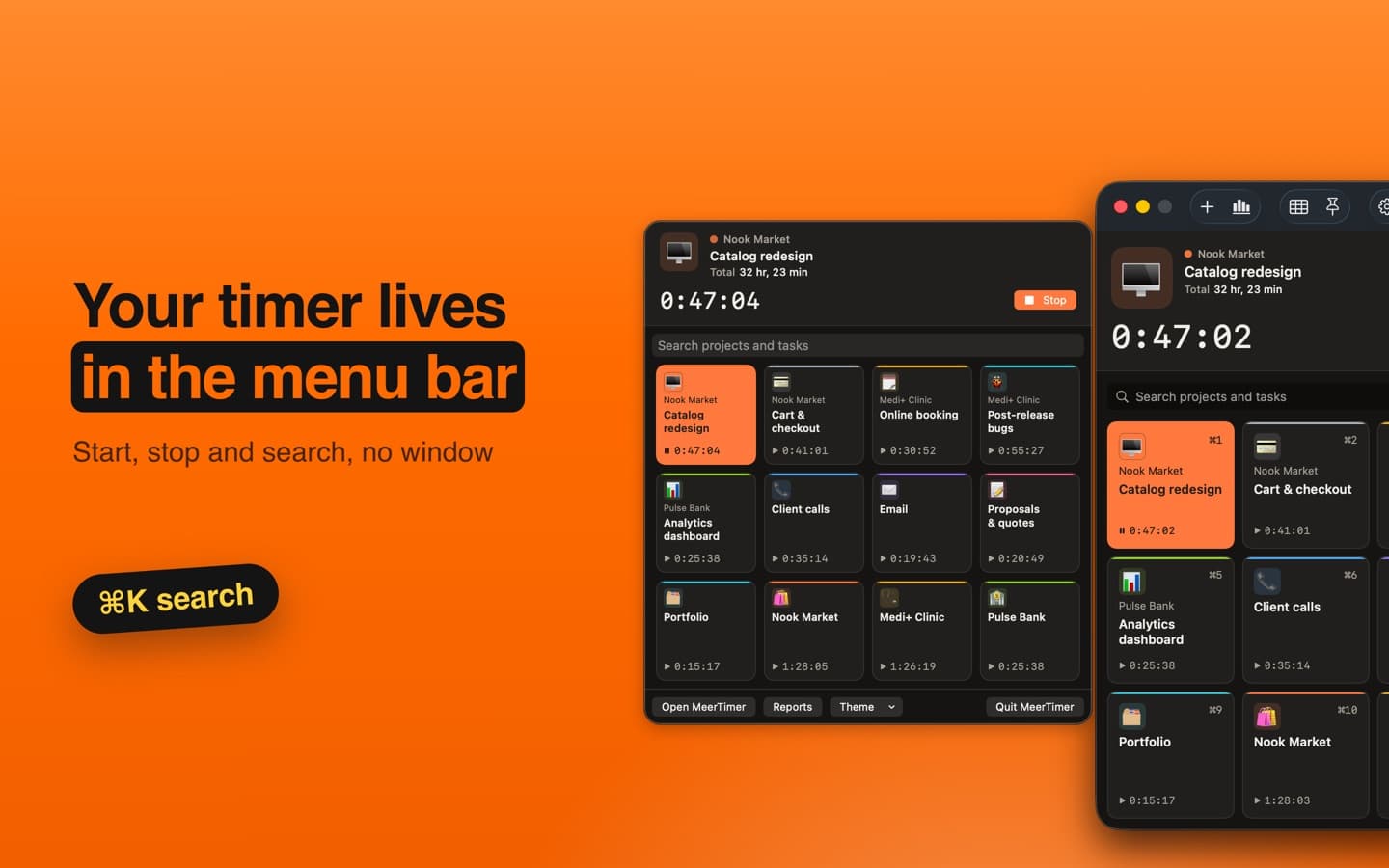
We built two fully native apps on one design system: SwiftUI on macOS and WinUI 3 on Windows. The main window is a grid of project cells from 1×1 to 6×6: one click starts the timer, a click on another cell switches it. The timer also lives in the macOS menu bar and the Windows tray, and in widgets that start and stop it without opening the app. Mac sleep, quitting and optional idle detection stop the timer at the last activity, so phantom hours never pile up. Reports cover today, 7 or 30 days and custom ranges, with breakdowns by task, hour and weekday and export to PDF and PNG. Everything is stored locally in SQLite, the interface comes in 15 languages, and Pro on the Mac App Store unlocks long-range reports.
Results
- +Two native apps from one specification: the same behaviour, layout and sizes on macOS and Windows
- +Timer in one click from the window, the menu bar or tray, a widget, ⌘1…⌘9 / Ctrl+1…9 or Siri
- +Reports with PDF/PNG export, idle pause and crash recovery by heartbeat
- +No account and no cloud: data stays on the device; 15 interface languages
Role & timeline
Our own product: we designed the shared design system and built both native apps and prepared the Mac App Store release and store materials