Android App Development: Stages, Google Play, and APK
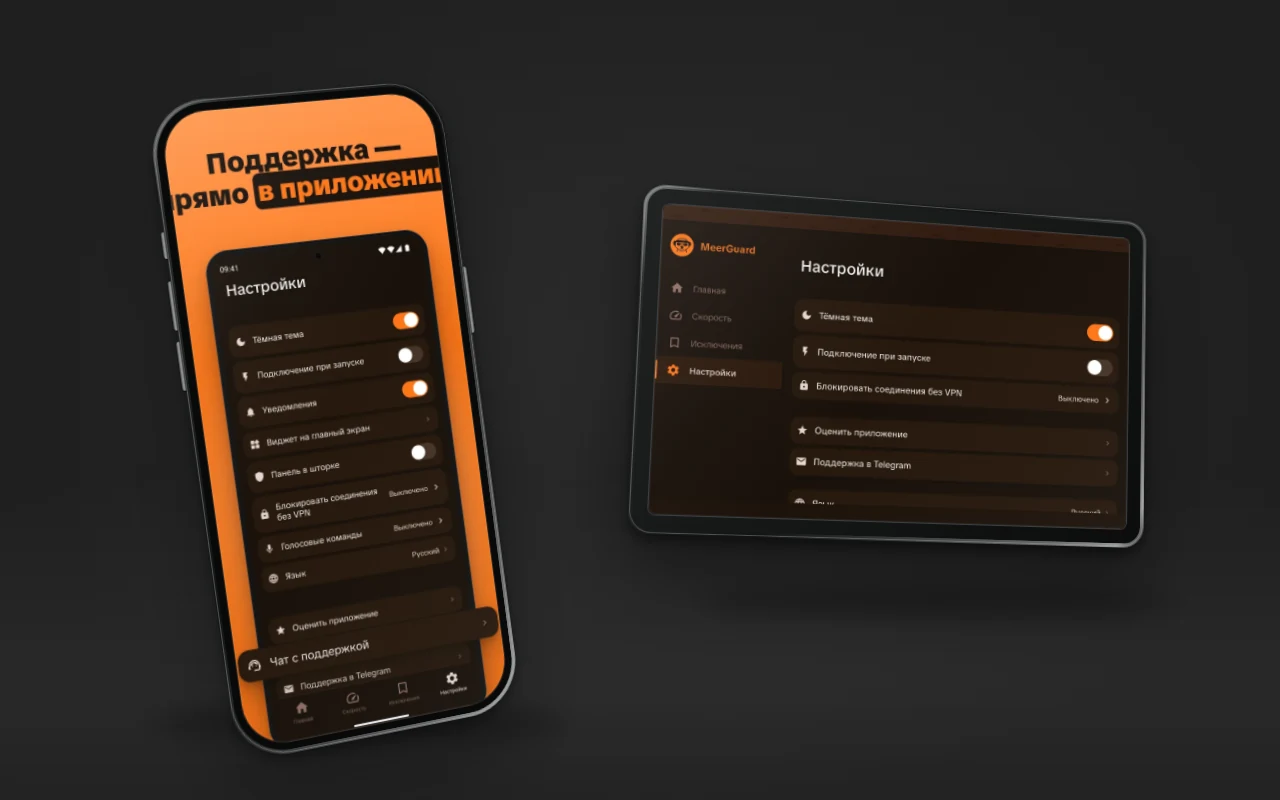
Android app development goes through the same stages as for iPhone, but Android has its own particulars: the app is released in several places at once, Google Play has a separate ladder of requirements for new personal accounts, and there are many devices, and their shapes differ. Below are the stages in order and the Google Play and RuStore numbers, checked against primary sources on 10 November 2026. We have a separate article on the iOS side, so we do not repeat it here.
Short answer
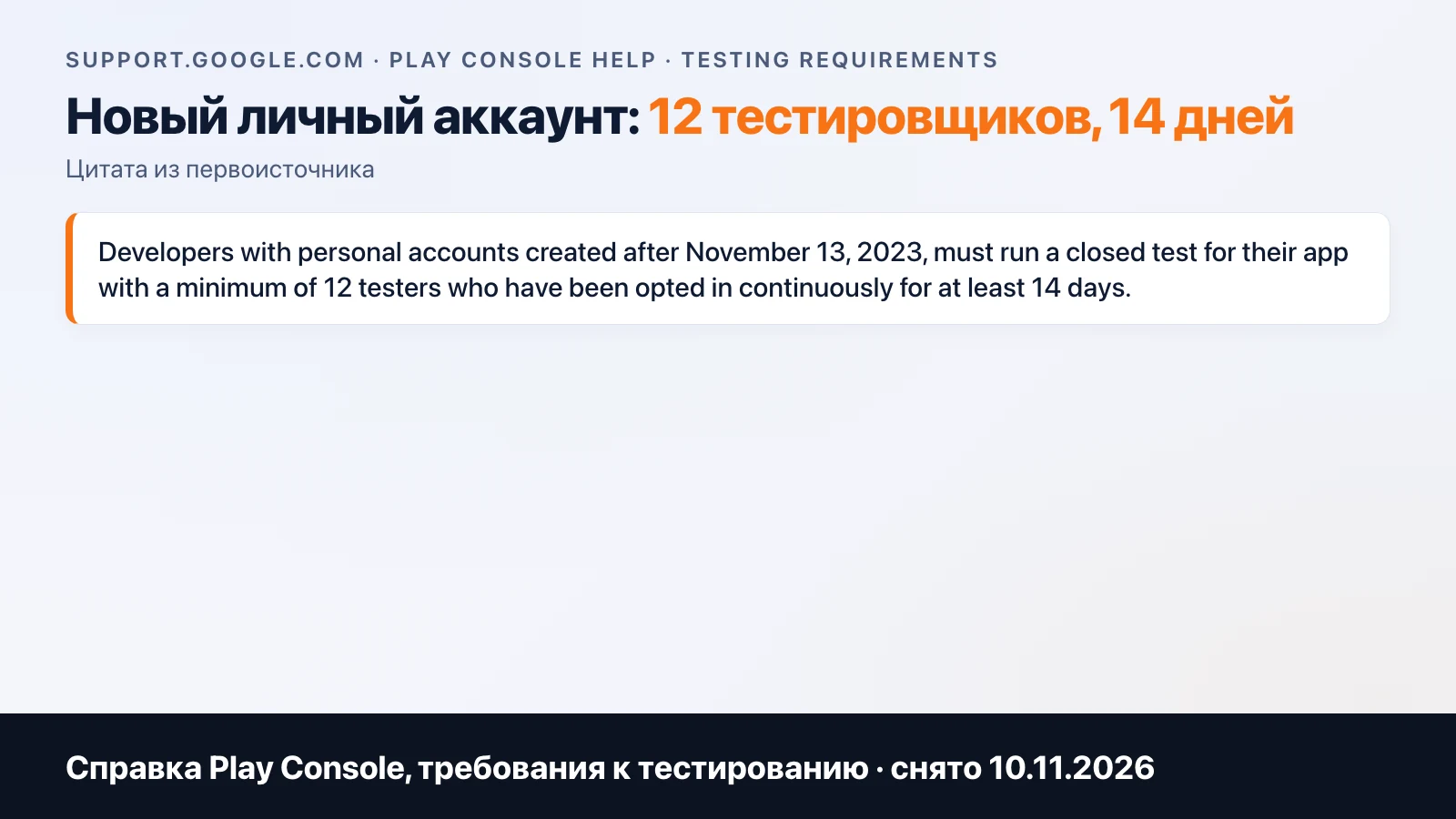
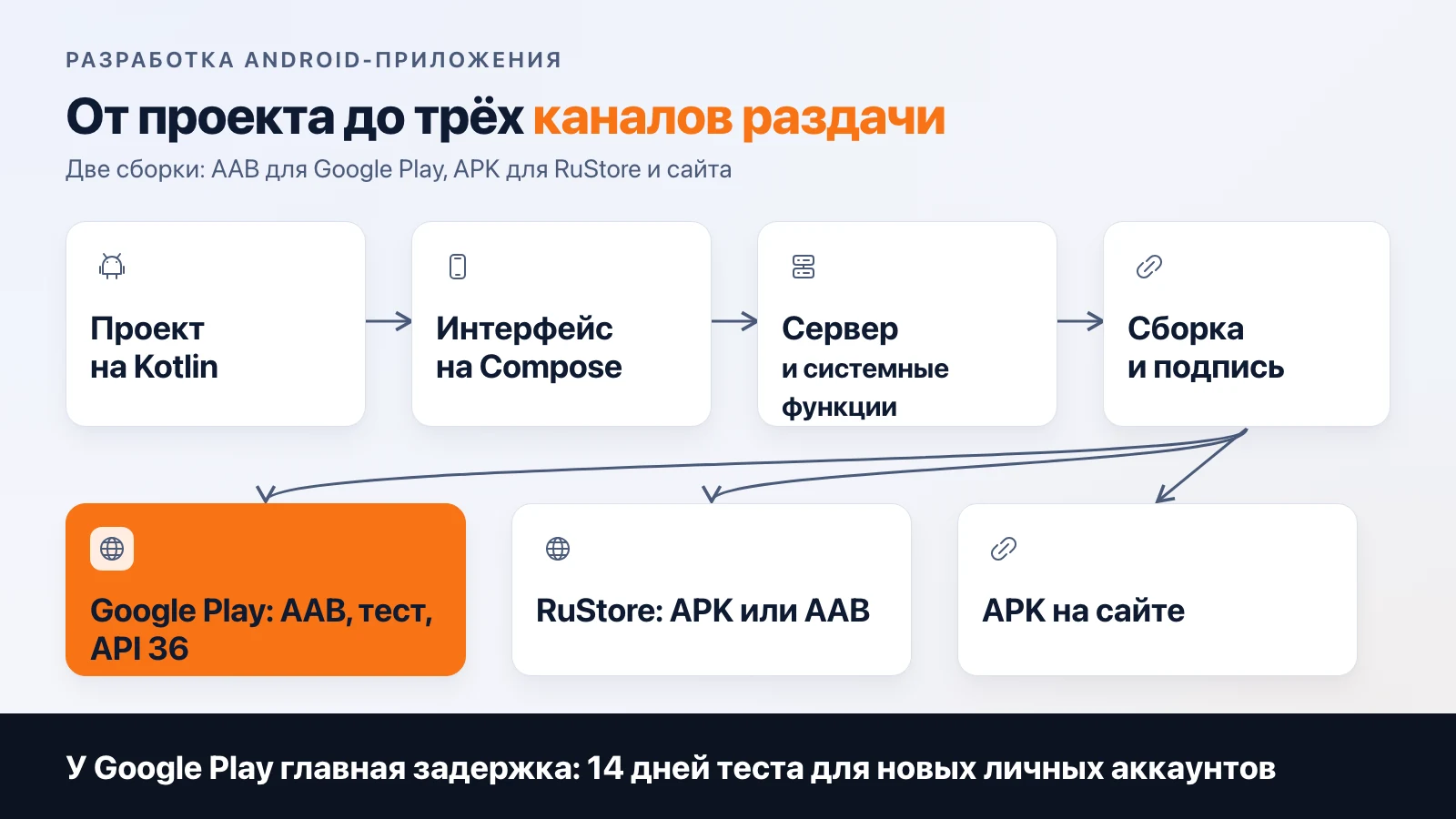
Android app development consists of eight stages: product and design, a Kotlin project, a Compose interface, a server, system features, build and signing, publishing, updates. Plan the Google Play release separately: a new personal account needs a 14-day closed test with 12 people. In parallel, the app is published in RuStore and as an APK.
The stages in order
- Product and design. Hypothesis, prototype, layouts of all states. This stage is shared by both platforms and is described in the article on types of apps.
- Project. Android Studio, the Kotlin language, dependencies through Gradle, separate builds for testing and production. The server address in the test build and the release build must differ, and this is checked before uploading to a store.
- Interface. We build it on Jetpack Compose. One screen is described in code, and the states (loading, error, empty) are worked out right away.
- Server and security. Authorization, token storage, API. If the project has an iOS version, the server is shared, and push notifications go through Firebase Cloud Messaging.
- System features. Home screen widgets, a quick settings tile, background services. MeerGuard on Android has a widget and a button in the notification shade. Each such feature is a separate component with its own permissions and its own test, so it is worth estimating separately.
- Build and signing. The release build is signed with a key. For Google Play it is an AAB; for RuStore and a website, an APK will do.
- Publishing. Google Play, RuStore, direct file distribution. Details below.
- Updates. Every update goes through the same target version check.
How Android differs from iOS in practice
There are many devices, and their screens differ: phones, tablets, TVs, foldables. The main Compose interface is shared by phones and tablets, while the TV view has to be designed separately, because there is no touch, only a remote and focus. We did this for MeerGuard: the TV has different navigation (a side menu, moving with remote buttons), and it has fewer items than on the phone.
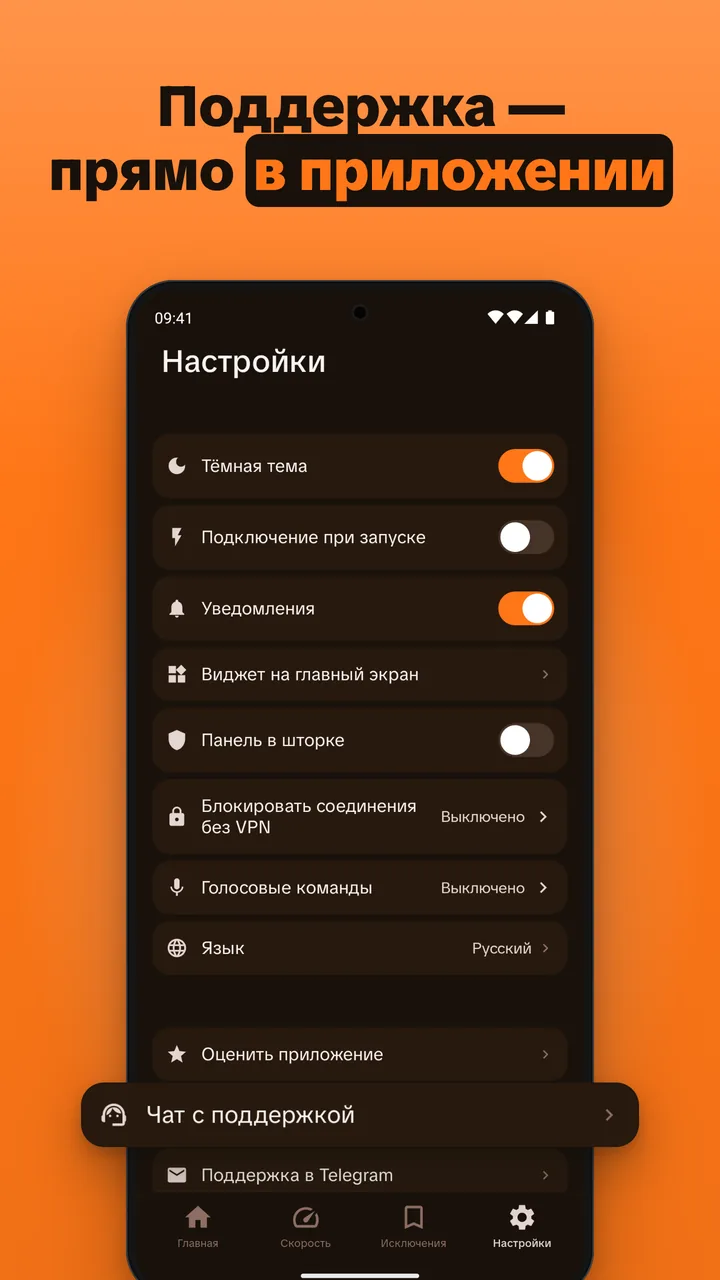
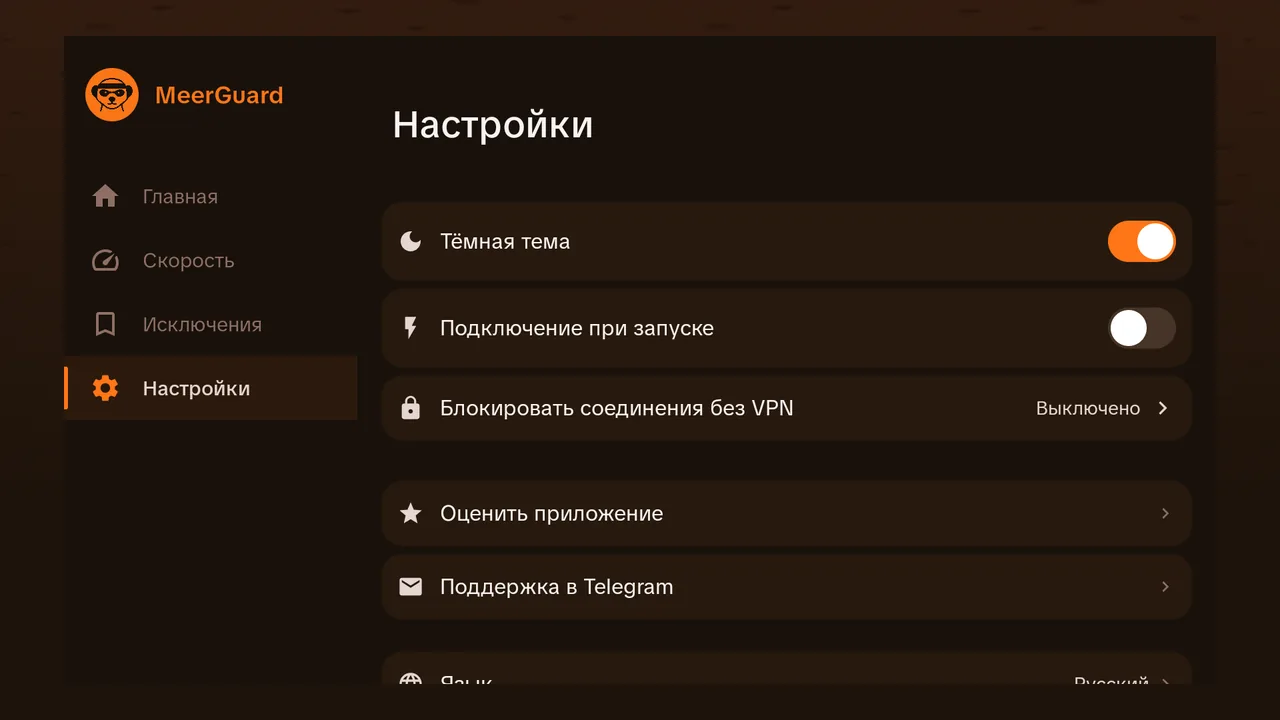
The second difference: there are several stores, and none is mandatory. An app can be published on Google Play, in RuStore, and as an APK on a website. MeerGuard does it this way: Google Play, an APK for the phone, and a separate APK for Android TV.
Google Play: what to check before the first upload
| What | Requirement | Source |
|---|---|---|
| Account | 25 dollars, one time | support.google.com/googleplay/android-developer |
| Test for personal accounts created after 13.11.2023 | closed test, at least 12 people, at least 14 days in a row | same |
| Upload format | AAB for new apps (since August 2021), for TV apps since June 2023 | developer.android.com |
| Target version for new apps and updates | Android 16 (API 36) from 31.08.2026 | developer.android.com |
| Android TV | Android 14 (API 34) | developer.android.com |
Google gave an extension on the target version until 1 November 2026, so as of today go by API 36.
After 12 testers and 14 days you need to apply for production access. Google usually replies in seven days but can take longer, and if tester activity is weak it will ask you to continue the test. Count it yourself: 14 days of testing and usually up to seven days for a reply, which is about three weeks from the first upload to production. The requirement applies to personal accounts created after 13 November 2023. The account type (personal or organization) is chosen before payment, and it determines whether you need this test.
RuStore
Publishing in RuStore is free. Registration goes through the RuStore console, the company owner adds a new app, and administrators, release managers, and developers can upload versions. APK and AAB are accepted. The limit for the first APK is 5 GB, and the file must be signed and have a unique package name. An uploaded file is stored for 14 days: if you do not send it to moderation in that time, it is deleted.
One thing people trip over when releasing in both stores: if the signatures in Google Play and RuStore differ, in RuStore you set the file signed for RuStore as the main one. Otherwise the update will not install for the user. We did not find RuStore's moderation times in its help, so we do not name numbers.
APK on a website
An APK is the shortest path to a user: the file sits on the website, the person allows installation from that source and installs it. You do not need a store, but there is also no store review, and you deliver updates yourself. This is how we distribute MeerGuard: an APK for the phone and a separate APK for Android TV sit next to Google Play.
How not to stumble on the target version
The target version (targetSdkVersion) is set in the app's Gradle file. The minimum version is a separate setting: the app still runs on older Android, but the system applies the target version's rules to it. So moving from API 35 to 36 includes checking the app's behavior against the list of changes. For each version Google publishes a list of behavior changes (Android 13, 14, 15, 16 on developer.android.com), and you go through it by hand: background services, notifications, file access, permissions. The hidden work usually sits in third-party libraries. If a library has not been updated, it can break the build for the new version, and you find out at build time, not at planning time.
An app that is not updated does not disappear from the store entirely. It stays available to users on Android versions no newer than its target, and is not shown to new users on recent devices. According to Google's help, for existing apps the bar on 31.08.2026 is API 35.
Which channel to choose first
- You need to test an idea on real people: an APK on a website with no accounts; RuStore without Google's test, but with registration in its console.
- You need an audience outside Russia: Google Play, and you should set up the account three to four weeks before the release date.
An app for TVs needs a separate build and a separate interface for the remote, and such a build has its own target version bar.
What we have done on Android
Besides MeerGuard (Kotlin Multiplatform and Compose Multiplatform, Android, Android TV, and Windows from one codebase), our portfolio has two more projects. One is pure Android (industrial ventilation over Modbus-RTU through RS-485), the other is Kotlin Multiplatform with a device over Bluetooth. We do not show client project screens; the stack and description are open on the projects page. There are few projects, and no general conclusions about the market can be drawn from them: this is a description of how we work.
How much it costs
The price of an Android app is set by features, server, and timeline. You can calculate it in the calculator: choose "Android" or "iOS + Android" and tick what you need. How the budget adds up is covered in the article on cost. Plan developer accounts and store promotion separately: there is an article on ASO about the latter.
So that Google Play's three weeks of testing are not a surprise on release day, the development page describes how we work: a specification with a fixed price and timeline before the start, with the account being yours or a new one.
Frequently asked
How much does a Google Play developer account cost?
Registration costs 25 dollars once, with no subscription. According to Google's help (as of 10 November 2026), identity verification may require an ID and a payment card in the same name.
What is the 12-person test before releasing on Google Play?
Personal accounts created after 13 November 2023 must run a closed test: at least 12 testers who stay opted in continuously for at least 14 days. After that you apply for production access in the console, and Google usually replies within seven days.
Which Android version should an app target in 2026?
Since 31 August 2026, new apps and updates on Google Play must target Android 16 (API 36) or higher. For Android TV the bar is lower: API 34.
Can I publish an app in RuStore and Google Play at the same time?
Yes. If the build signatures for the two stores differ, in RuStore you set the file signed for RuStore as the main one, otherwise users will get errors on update. Publishing in RuStore is free.
How is an APK different from an AAB?
An AAB is a format for publishing on Google Play: the store builds and signs an APK for a specific device from it. New apps on Google Play have been published only as AAB since August 2021. An APK is a ready file that you can put on a website or upload to RuStore.
Related articles
Mobile App Support After Release: What It Includes
What mobile app support after release includes: OS updates, crashes, accounts and certificates, review replies. Apple and Google requirement dates.

App Promotion with No Ad Budget: ASO Step by Step
How to promote an app in the App Store and Google Play without ads: where to find keywords for free, what to put in the three fields, and why you need to get it done before release.
AI in a Mobile App: How to Integrate ChatGPT
AI in a mobile app: the API key stays on the server, per-user limits, caching, moderation and a token-based cost estimate. Meerno as the example.