Mobile App Support After Release: What It Includes
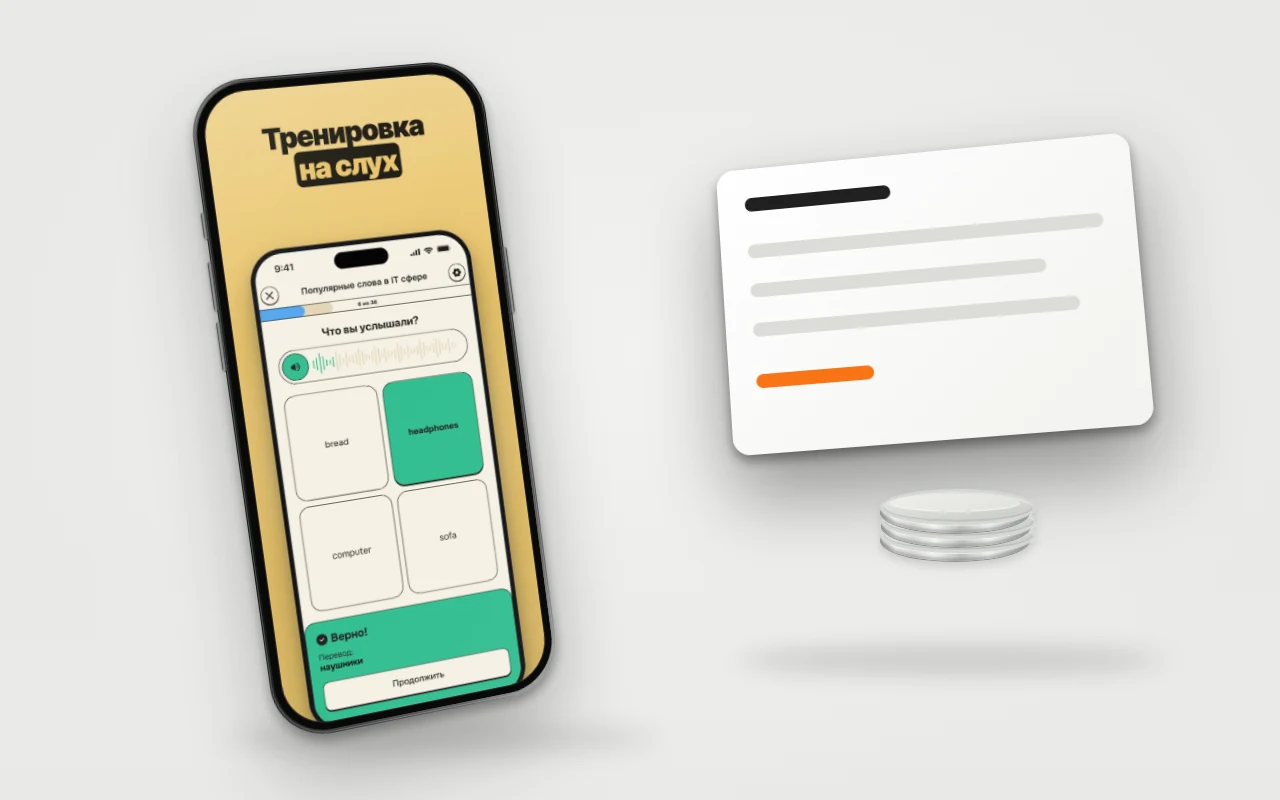
Mobile app support after release is needed because something around the code keeps changing: iOS and Android versions, store rules, certificates, other people's APIs. An app that nobody touches for a year usually runs into one of these walls: the store does not accept the update, a key stopped working, or the service the app calls retired a model. Below is what support includes, which dates in 2026 have already passed and which are still ahead.
The article is for an app owner who is preparing to order support or checking what they are being sold. For development from scratch there is a separate stage-by-stage breakdown.
Short answer
Mobile app support includes five kinds of work: updates for new OS versions and store requirements, crash monitoring, renewal of accounts and certificates, replies to store reviews, and minor changes. New features do not belong here; that is development. Without support an app most often stops at an update: the store no longer accepts the build.
What has already broken in 2026
A calendar matters more than a list of work, because it shows where tasks come from.
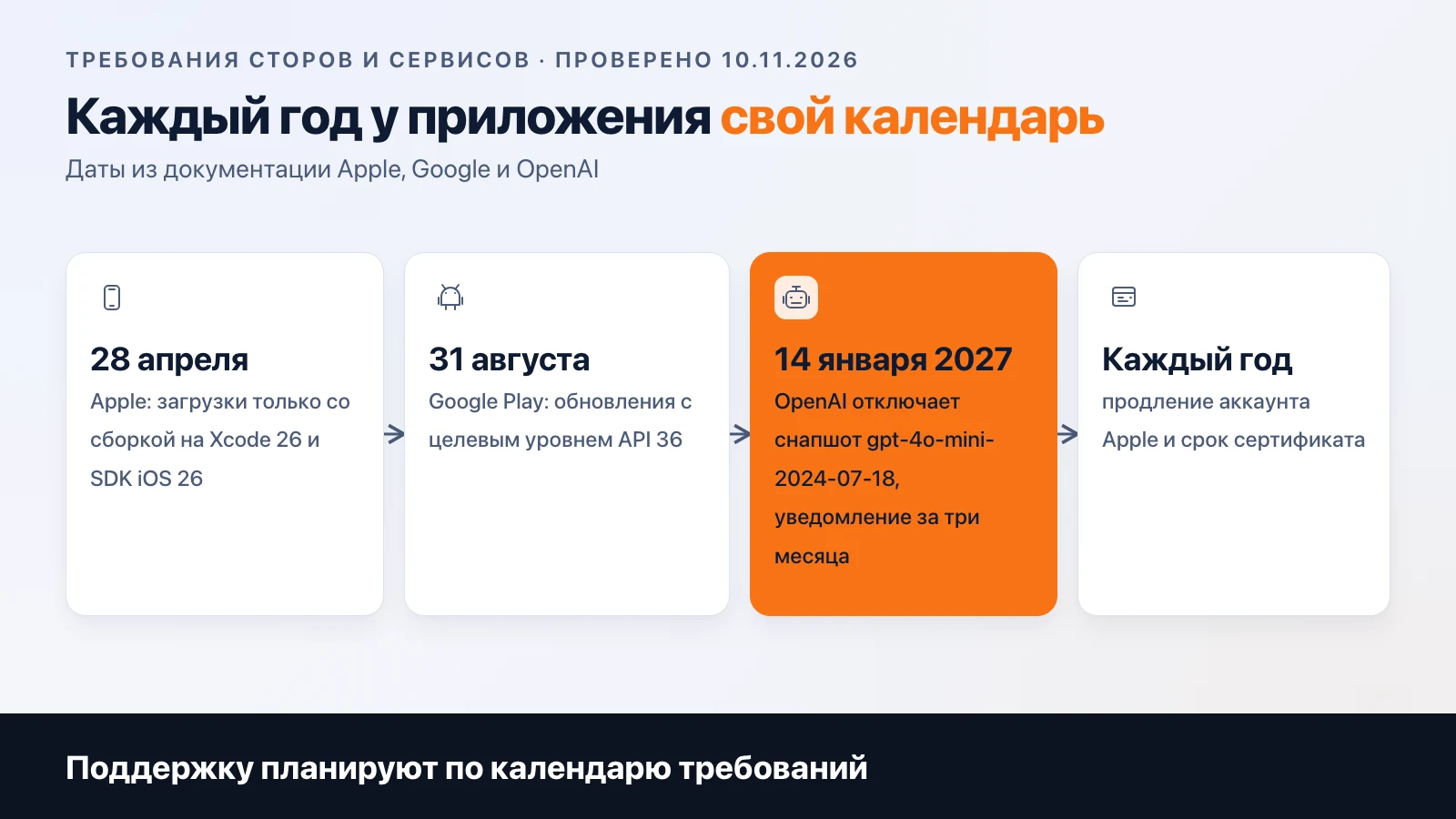
Apple, from 28 April 2026. Apps uploaded to App Store Connect must be built with Xcode 26 or later using the iOS 26 SDK. This is stated on Apple's "Upcoming requirements" page (checked 10 November 2026). An app that is already published stays in the store. But you cannot release the next update on the old build environment.
Google Play, from 31 August 2026. New apps and updates must target API level 36 (Android 16). Apps that have not been updated must be at API 35 or higher, otherwise new users on devices with a newer Android version will not see them. An extension could be requested until 1 November 2026, and it is now closed. The source is the Android Developers documentation (10 November 2026). For Wear OS, Android TV and automotive versions the levels are lower.
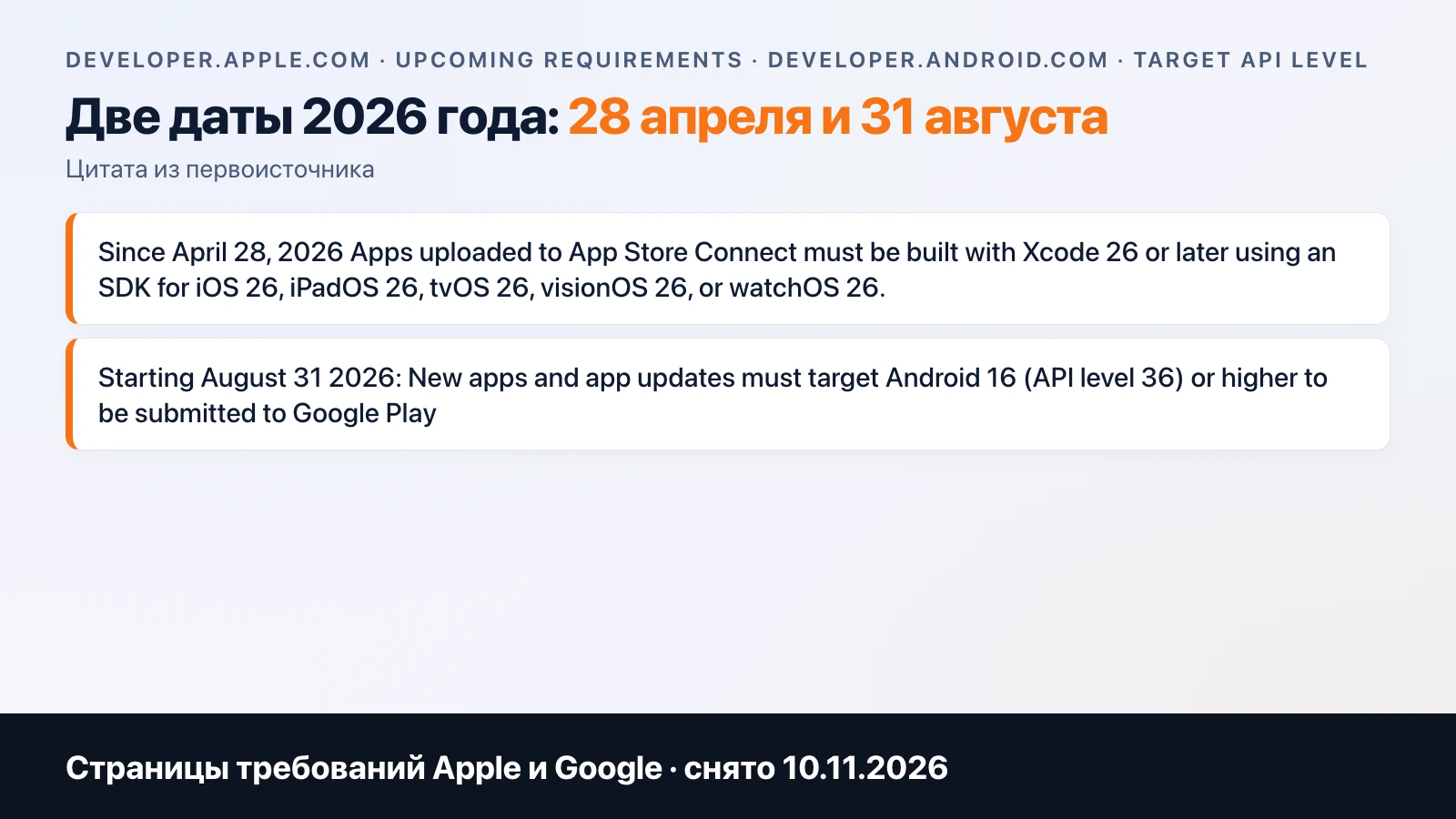
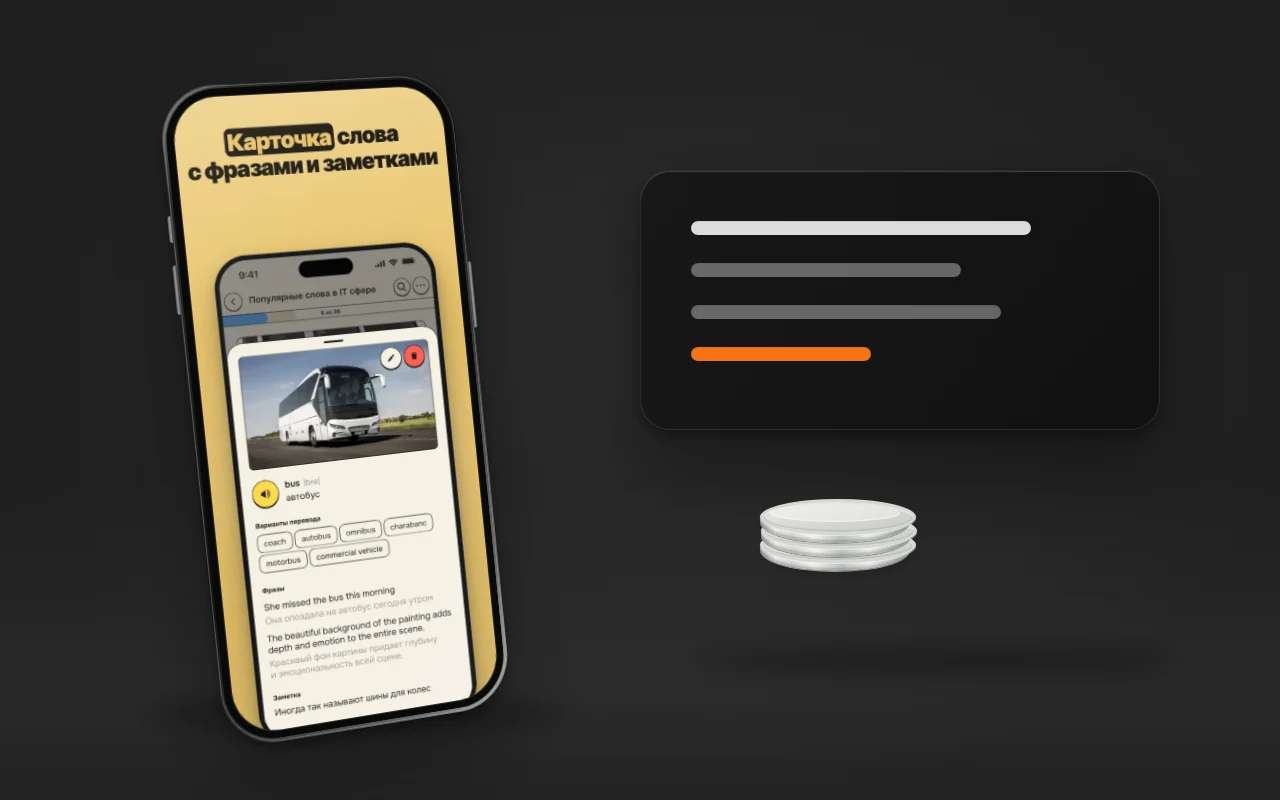
Third-party services. If the app calls someone else's API, it has a calendar too. OpenAI states that gpt-4o-mini-2024-07-18 is retired on 14 January 2027, and the notice was sent on 14 October 2026: three months. Our app Meerno uses gpt-4o-mini, so we will have to make this migration too.
These dates repeat every year: a build for the new SDK in spring, a new API level in autumn. That is why "one-off" support looks like a pause until next April.
What support includes
| Work | What is done | If skipped |
|---|---|---|
| Updates for OS and SDK | Building on current Xcode and Android Studio, testing on iOS and Android betas, fixing deprecated API | The store does not accept the update, glitches appear on new phones |
| Crash monitoring | Crash reporting, root-cause analysis, a fix with a release | Above 1.09% of users with a crash per day, Google Play shows the app worse |
| Accounts and certificates | Renewing the Apple membership, the distribution certificate expiry, push keys, agreements in the consoles | The app is removed from sale or an update cannot be released |
| Replies to review | Analysing a rejection, fixing, replying in Resolution Center | The release is stuck until there is a reply. Typical reasons are in the breakdown of rejections |
| Minor changes | Text, icon, a screen fix, settings | They pile up, then turn into a separate project |
On accounts, the exact consequences are these. If the Apple membership is not renewed, apps disappear from the App Store and keep working for people who downloaded them. Free apps return within 24 hours of renewal, and no new review is required (according to Apple's documentation). If the distribution certificate expires, a live app does not suffer, but you cannot upload a new build signed with it. Until it is reissued, the update is stuck.
A crash report shows a problem before a user writes about it in a review. Google's thresholds (1.09% for all devices, 8% for one model, a 28-day window) are described in Android vitals. For a small app, the habit of opening the report after every release matters more.
The first weeks after release
The most tense period of support falls in the first month. Real devices give you what tests do not: an old phone short on memory, a custom firmware, an atypical sign-in scenario. The classic: the app works perfectly on the team's five devices and crashes on one model that only a small part of the audience uses.
What we ask to do in this period:
- look at the crash report after every release and every day in the first days;
- read reviews in the stores and reply to them, because a review complaining about sign-in is more visible than any report;
- keep a fast fix path ready: build, check, submit for review. Apple reviews an update again, so an urgent fix has time built in beforehand;
- collect a list of user requests, but do not take on all of them: a feature from the list becomes a new task with an estimate.
Separately, it is worth assigning a person who receives emails and messages from users. This is also "support" in the everyday sense, and it is often forgotten in the contract with a contractor. A technical specialist fixes the bug but does not answer the user, and vice versa. Decide in advance who does this and how many times a week they check the consoles.
When you need support right now
Signs that you cannot wait:
- The last update was released before April 2026, and the build was made on Xcode older than 26.
- In Google Play the target API level is below 36 for an app you plan to update.
- Nobody on the team remembers whose Apple account it is and when it is renewed.
- Sign-in, payment or AI features depend on a third-party API, and nobody has subscribed to its deprecation notices.
- There is no crash report at all, and problems are learned from reviews.
If two items match, an audit within the next week is enough: read the consoles, check the deadlines, draw up a list of work. Then urgent fixes will not pile on top of an upload rejection.
Support, maintenance and development
In search results these words are treated sometimes as synonyms, sometimes as different services. The usual division is this: support reacts to problems, maintenance keeps the app up to date on a schedule, development adds features. The name matters less than the list of work in the contract.
Ask the contractor to answer four questions in writing:
- What counts as a minor change and how many are included per month.
- How fast they react to a critical failure and who is reachable on weekends.
- Whose name the store accounts and certificates are under. The right answer is yours.
- What happens to support when the contract term ends: access, code, build.
It is better to keep the account under the client's organisation and give the contractor rights in it. On the development page there is a separate item for this, "your own or a new organisation account".
How it looks with us
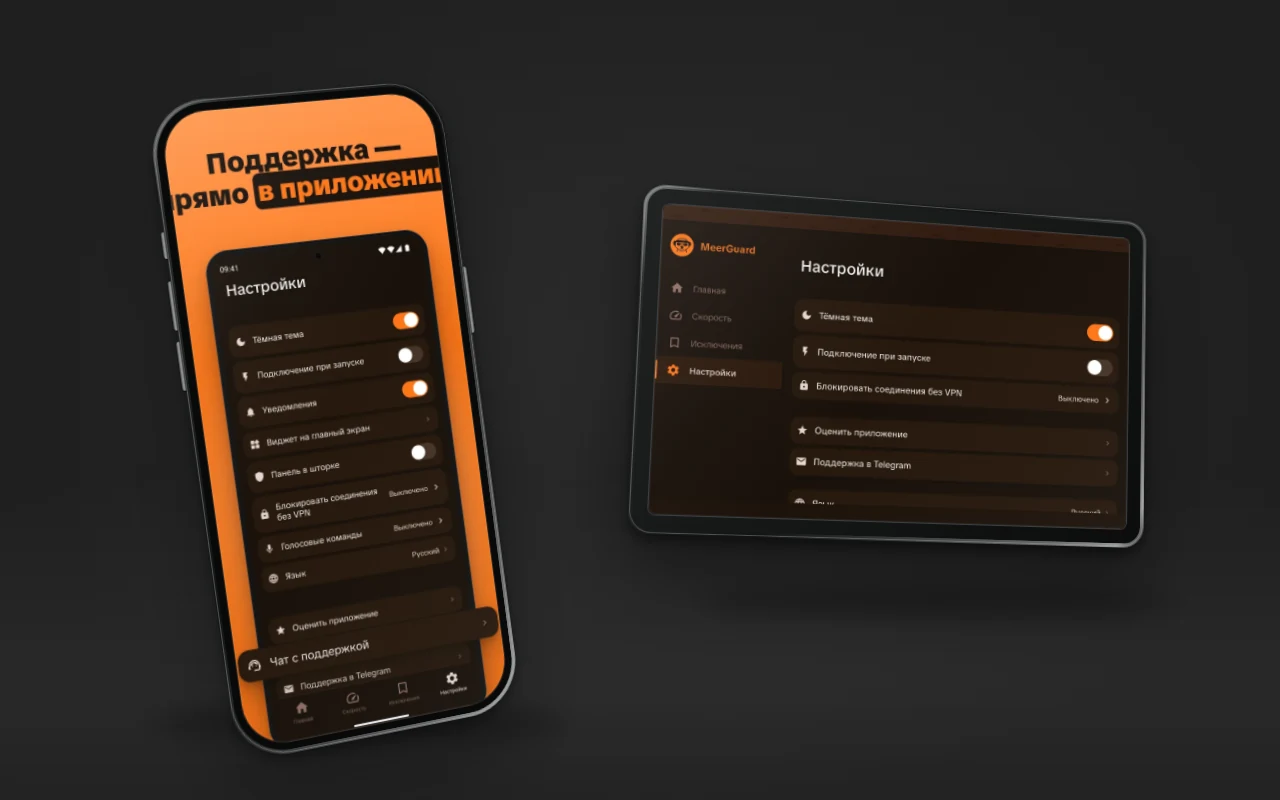
We run Meerno and MeerGuard ourselves: they have their own releases, stores and certificates.
We do not name a price for support in this article. It depends on the number of platforms, the number of external integrations and whether on-call duty is needed. A turnkey app can be estimated in the calculator, and the support terms for an existing one can be discussed through contacts. The studio's projects are on the projects page.
Frequently asked
Do I need support if the app works and nobody complains?
Yes, because the environment around the app breaks, not the app itself. Since 28 April 2026 Apple accepts uploads only built with Xcode 26, and since 31 August 2026 Google Play requires target API level 36 for updates. An app that nobody touches stops getting updates, and later becomes unavailable to new users on current OS versions.
What happens if I do not renew the Apple developer account?
The apps are removed from sale in the App Store. For people who have already downloaded them, they keep working. Free apps come back within 24 hours of renewal, and no resubmission for review is needed. For paid apps you also need to sign in to App Store Connect and accept the paid apps agreement.
How is support different from developing new features?
Support keeps the app working: it fixes bugs, updates for new OS versions and store requirements, and watches the accounts. A new feature changes the product and has its own requirements, estimate and deadline. The boundary is fixed in the contract: what counts as a minor change and what is a separate task.
Who should own the App Store and Google Play accounts?
The client. If the app sits on the contractor's account, moving it to yours takes separate work: Apple has Transfer App for this, after which certificates are issued again. It is simpler to open an account for your organisation right away and give the contractor access.
What crash level counts as bad in Google Play?
By Android vitals, the threshold for all devices is 1.09% of users with a crash per day and 0.47% with an ANR (application not responding). For a single device model the threshold is 8%. Exceeding it makes the app less visible in Google Play, and sometimes a warning appears on the page. The last 28 days are evaluated.
Related articles

App Promotion with No Ad Budget: ASO Step by Step
How to promote an app in the App Store and Google Play without ads: where to find keywords for free, what to put in the three fields, and why you need to get it done before release.
AI in a Mobile App: How to Integrate ChatGPT
AI in a mobile app: the API key stays on the server, per-user limits, caching, moderation and a token-based cost estimate. Meerno as the example.
Android App Development: Stages, Google Play, and APK
Android app development by stages: Kotlin and Compose, build, Google Play (account, 12-person test, target API 36), RuStore, and direct APK distribution.