Building an Online Store: Builder, CMS or Custom Development

Building an online store starts with choosing a path, and the price, the timeline and how much you will have to redo in a year all depend on it. There are three paths: a builder, a CMS and custom development. Below are a comparison table, a list of what the cost consists of, and a straight talk about who can get by with a builder. Some readers will leave this article for Tilda, and that is a normal outcome.
Short answer
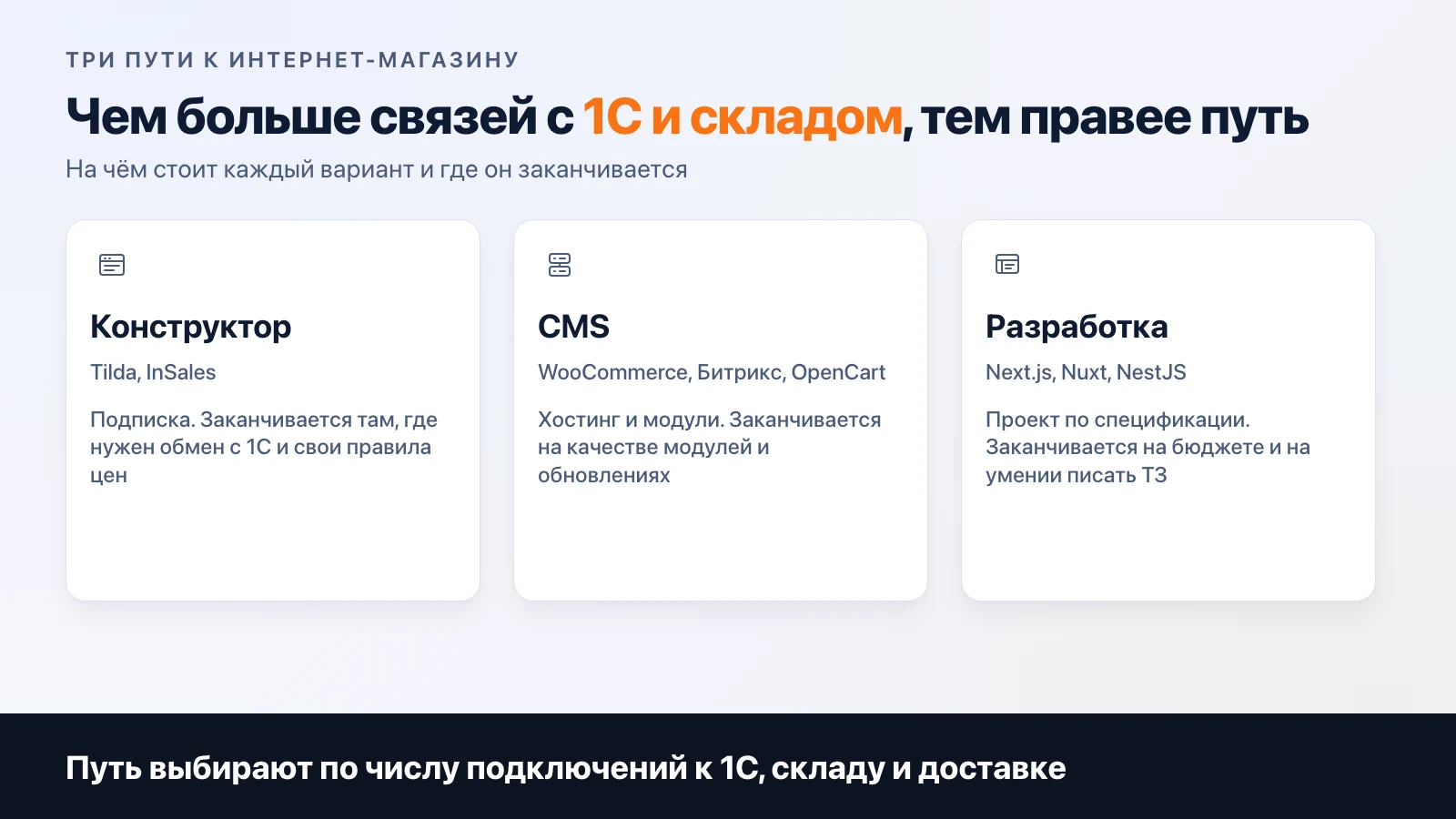
An online store can be built in three ways: with a builder (Tilda, InSales), with a CMS (WooCommerce, 1C-Bitrix, OpenCart) or with custom development. A small catalog with standard payment and delivery is fine on a builder. A CMS is taken when you need exchange with 1C and the warehouse. Custom development is justified if the store is part of a product: a personal account, your own pricing rules, an app.


Three paths in one table
| Builder | CMS | Custom development | |
|---|---|---|---|
| Examples | Tilda, InSales | WooCommerce, 1C-Bitrix, OpenCart | Next.js, Nuxt, NestJS |
| How you pay | Subscription to a plan | Hosting; for Bitrix also a license | A project built to a specification, then hosting |
| Launch speed | Weeks | Weeks to months | Months |
| Catalog and payment | Ready-made blocks and connectable payment services | Modules and extensions | Written for the task |
| 1C and warehouse | Depends on the platform, check on a demo | Depends on the platform, check on a demo | Any exchange you describe |
| Where you hit a limit | The template and plan restrictions | The quality of modules and updates | The budget and your ability to write a specification |
| If you stop paying | The site is taken offline | Open CMSs (WooCommerce, OpenCart): the site works while hosting is paid; Bitrix: per the license terms | The site is yours, you have the code |
The last row is underrated. Under Tilda's terms at tilda.cc/ru/pricing, if you do not renew the subscription, the site is unpublished and the data is stored for another six months (checked on 10 November 2026). With a CMS and custom development the dependence is different: on hosting and on the people who can edit the code.
What the price of a store consists of
A store has many pages, but the price is set by connections to outside systems and special rules. In order of growing cost:
- Catalog. Product cards, filters, product variants (size, color). If you have hundreds of products that arrive as a table, this is solved in a day. If a product has twenty properties and dependent prices, it is not.
- Payment and receipts under 54-FZ. A payment service plus a receipt for each payment. How exactly to issue a receipt depends on your tax regime, which is a question for an accountant. We wrote separately about payment services, fees and restrictions in the article on payment in a Telegram bot, where the same logic of choosing a provider applies.
- Delivery. Cost calculation by address, pickup points, statuses. Each delivery service is a separate integration.
- Exchange with 1C and the warehouse. The most expensive line wherever it exists. Stock and prices live in the accounting system, and the store has to take them from there and send orders back. This is where builders most often end.
- Personal account. Order history, reordering, wholesale prices for your own customers.
- SEO foundation. Page addresses, titles and descriptions, a sitemap, structured data. If built in at the start, it costs almost nothing. If added later, it costs like a small project. Promotion is separate work, described here.
Lines 1 and 6 exist in every store. Line 4 does not appear in all of them, and it decides whether you need a builder.
What builders and CMSs charge for separately
Checked against the vendors' sites on 10 November 2026. We do not give prices in the article: plans change, so see the current ones at the links.
| Platform | What the official page shows |
|---|---|
| Tilda | For a store, the Personal (one site) and Business (two sites or more) plans are recommended. A free plan is not listed for a store |
| 1C-Bitrix | Editions "Start", "Standard", "Small Business", "Business". A year of updates is included, and renewal for a year costs 25% of the edition price |
| OpenCart | The core can be downloaded for free, extensions and themes in the marketplace are paid |
| WooCommerce | An open platform on WordPress with many extensions. Check which of them are paid in the catalog before choosing |
The table shows that for a CMS the word "free" applies only to the core. Hosting, the payment service module, the 1C exchange module and the work of the person who sets it all up are paid separately. The same goes for InSales and similar services: a plan grid, limits and paid apps. We did not check InSales plans while preparing the article, so there are no details on them here.
Three questions before choosing
Before you open platform comparisons, answer three questions. They rule out half of the options faster than any table.
Where do prices and stock come from? If you enter them by hand, anything will do. If they live in 1C or with a supplier and have to reach the store automatically, look for a platform with a working exchange and ask to see it on a live site.
Who will run the store in a year? A builder can be edited by a manager without a developer. A CMS needs a person who updates the engine and modules: forgotten plugin updates are a typical risk for any CMS. Custom development requires that the code is maintained by whoever wrote it, or that you are handed clear documentation.
Where will buyers come from? If from ads and social networks, the SEO foundation is not critical, and a working landing page is enough. If from search, look at page addresses, speed, markup and the ability to edit titles for every category. Builders are not all equal here, and you can check it in an evening: create a test category and see what the platform can do.
A separate note on moving. You can move from a builder to a CMS or your own site, but it is a project: products are exported as a table, and page addresses must be kept or redirected, otherwise the positions accumulated in search are lost. It is cheaper to think through the catalog structure and addresses in advance.
When a builder is enough
An honest position: most beginning stores do not need development, and we will not try to talk you into it. A builder is enough if everything in this list holds at once:
- up to a few hundred products, and they can be uploaded as a table;
- payment by card through one payment service, delivery by one or two services;
- stock is kept by hand or in a spreadsheet, there is no 1C;
- you need to launch in weeks to see whether anyone buys at all.
A first store tests demand. If there are no sales after half a year, it is better to lose a builder subscription than the project budget.
If at least one condition does not hold, for example stock arrives from 1C every hour, look at a CMS next. The "custom development" path is chosen less often: when the store is part of a product (subscriptions, a personal account, an app alongside) or when the pricing rules contain logic that a module cannot express.
What we do ourselves and what we do not
To say it directly: there are no online stores in our portfolio, and we have nothing to show. What we do have:
- the studio site meermost.site on Next.js: 12 languages with hreflang markup, a sitemap, and an llms.txt file for AI search;
- the app site meerguard.app on Nuxt 3 with payment in the personal account: SBP with auto-renewal, card and cryptocurrency through a payment aggregator;
- web projects from the portfolio: serviceword on Next.js, sila-harizmy on NestJS and Next.js (no screens, these are client projects).
So we built payment acceptance, multilingual support and the SEO foundation in our own products. A catalog of thousands of items with 1C exchange is not in this list.
How to calculate your own case
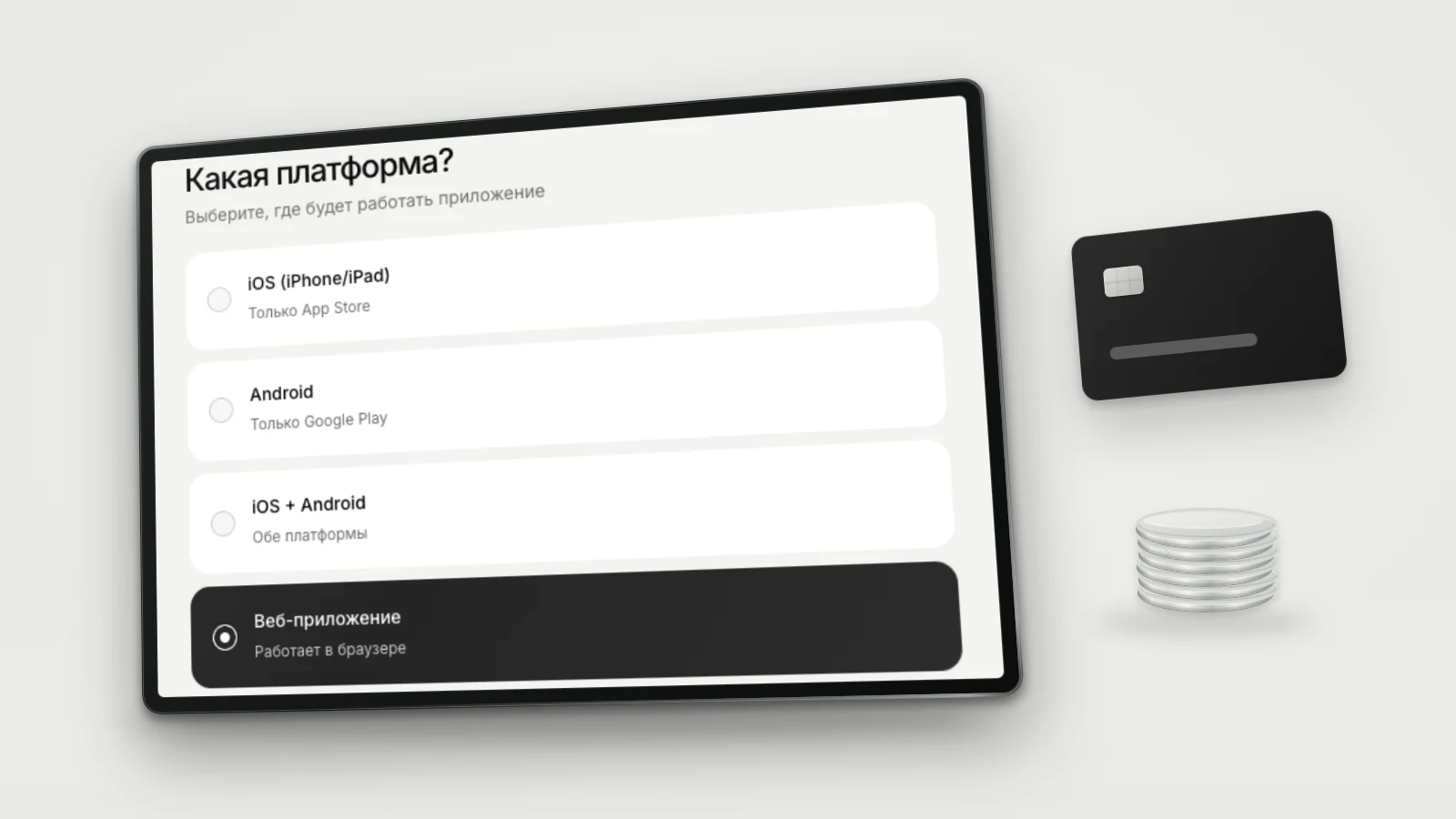
In the calculator, choose the "web application" platform and mark the functions you need: payment, personal account, backend. It will show a range. If the task is non-standard, write to us and describe where stock and prices come from. This is the main question for an estimate, and after it you can see whether you need development at all.
Frequently asked
How much does it cost to build an online store?
The price is set by connections to outside systems: payment with receipts under 54-FZ (the Russian online cash register law), delivery, exchange with 1C and the warehouse, a personal account. A builder costs as a subscription, a CMS as a license or hosting plus setup, custom development as a project built to a specification. You can estimate your own case in the calculator.
What should you pick for a first store: a builder or a CMS?
If you have few products, payment and delivery are standard, and there is no 1C accounting, take a builder. A CMS is needed when the catalog is large, prices and stock come from an accounting system, or you need non-standard discount rules.
Can you move from a builder to your own site later?
You can, but a move is a separate project. Products are exported as a table, and page addresses must be kept or redirected, otherwise search positions are lost. That is why it is better to think through the addresses and catalog structure before launch.
Does an online store need a cash register?
When accepting payment on the site, a receipt under 54-FZ is needed in most cases. How to issue it depends on your tax regime: through an online cash register, a payment service's cloud register, or a special tax regime. This is a question for an accountant before launch, not after the first order.
Do you build online stores?
We have not built stores. We have built web projects on Next.js, Nuxt and NestJS, and payment acceptance in our own products. If you need exactly that kind of site with a catalog and payment, calculate it in the calculator or write to us.
Related articles

AI in a Mobile App: How to Integrate ChatGPT
AI in a mobile app: the API key stays on the server, per-user limits, caching, moderation and a token-based cost estimate. Meerno as the example.
VPN Bot in Telegram: What It Should Do in a Service
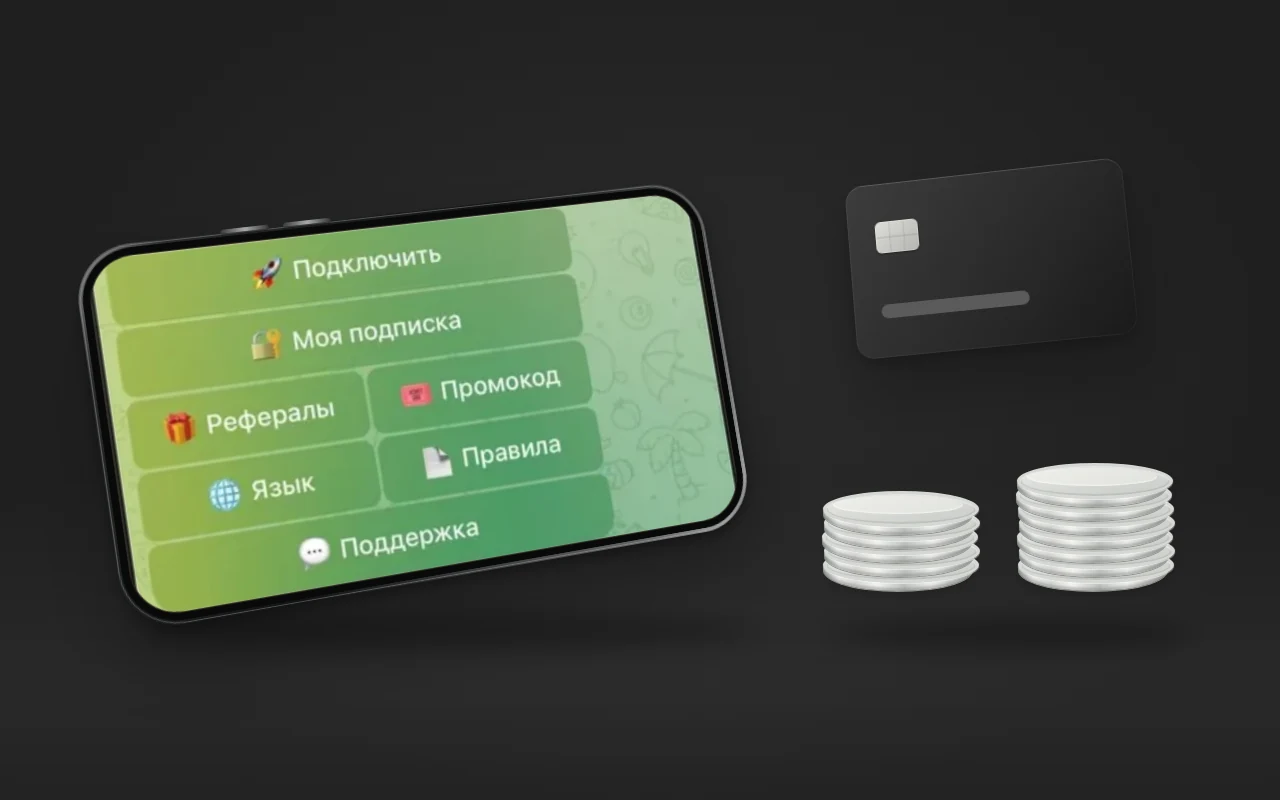
How to build a VPN bot in Telegram for selling subscriptions: trial access, key delivery, autopayment, devices, referrals, support, panel integration.

Cross-Platform Development: KMP, Flutter or React Native
Cross-platform development: how KMP, Flutter and React Native differ, their official statuses, why the studio picks KMP, and when another option fits better.