VPN Bot in Telegram: What It Should Do in a Service
You can build a VPN bot in Telegram with buttons and replies in an evening, but renewals, device limits, refunds, and broadcasts turn it into a system you have to maintain. This article is for those who are building or planning a subscription VPN service and want to understand what a sales bot consists of. Below, using the bot of a live service as the example, is a list of capabilities: what to look at in each and what breaks without it.
Short answer
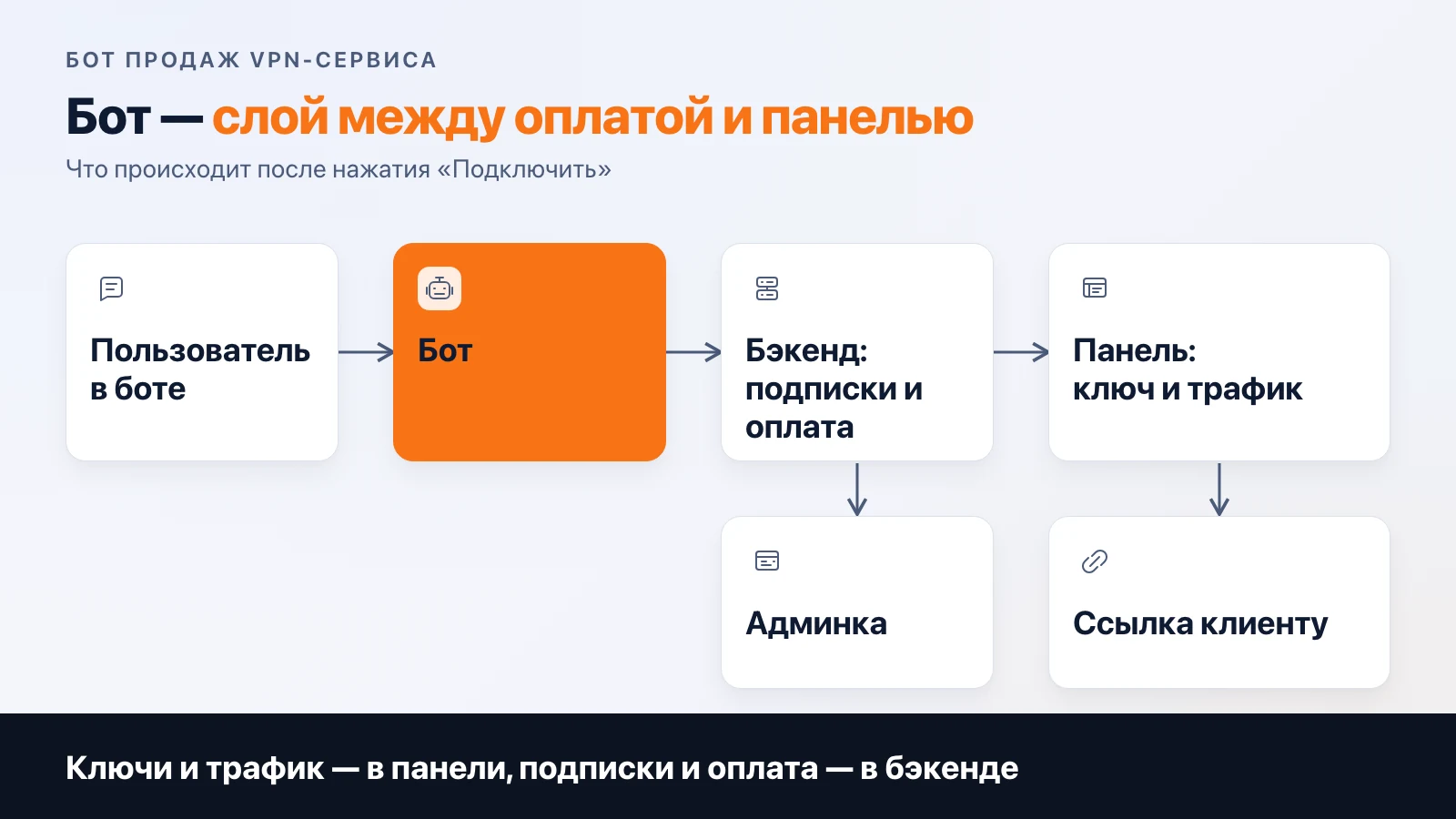
The bot of a subscription VPN service is a layer between payment and the panel. It issues trial access, creates a user in the panel through the backend after payment and hands over a link, extends and disables by term, enforces the device limit, runs referrals and promo codes, calls support, and sends broadcasts. Without a link to the panel and an admin panel, it is a menu with buttons.
If you came to buy a VPN
This article is about something else: how a bot is built on the service owner's side. If you are looking for where to buy a subscription for yourself, this text will give you nothing.
What the bot should do
Below are eight functions. For each, why it exists and what happens when it is missing.
| Function | Why | What breaks without it |
|---|---|---|
| Trial access | let people try before paying | some people leave before the first payment |
| Key or subscription delivery | hand over the link right after payment or the trial | a person pays and writes to support "where is my key" |
| Renewal and autopayment | renew without a person's involvement | every renewal becomes a manual reminder |
| Devices and limits | cap a subscription by number of devices | one key is shared with ten acquaintances |
| Referrals and promo codes | cheap acquisition and winning back those who left | only paid advertising grows |
| Support | answer frequent questions fast, pass the rest to a person | support drowns in the same "can't connect" questions |
| Broadcasts | announce an outage, an expiring term, a promotion | people learn about a problem from reviews |
| Panel and admin link | know who paid and what is enabled for whom | you look at the state of the service with your own eyes in three places |
The analysis of the service's economics shows that about half of registrations are lost even before the trial. The bot's first message with a "trial access" button works exactly on this step.
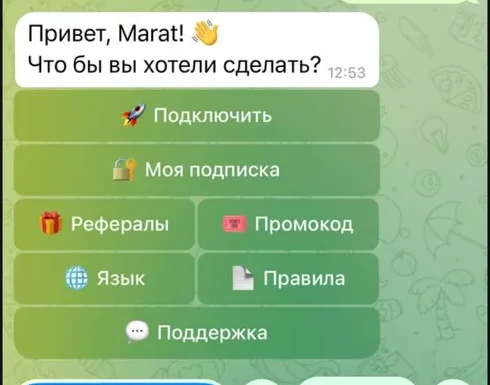
The menu of a live service's bot, a fragment of the screen: subscription, referrals, promo code, support.
Trial access and key delivery
The trial should be in the first message, not on the fifth screen. If it requires a linked card, autopayment starts when it ends, and the user must see the date and payment method in advance. Otherwise the first charge can end in a dispute with the bank. How to count the trial in analytics so that it does not inflate the conversion to payment is described in the article on revenue and expenses.
The key is a subscription link. The bot does not issue it itself: the backend asks the panel to create a user and gets the link back. A person who paid and did not get the link goes to support. So delivery needs retries and a journal entry: the payment exists, the link does not, and you see it before the user does.
Renewal, autopayment, and an honest cancel button
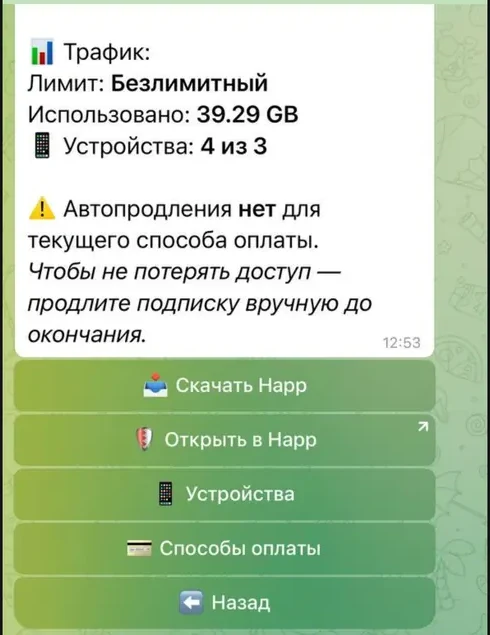
Here is what the user sees when there is no autorenewal: in the screenshot below the bot says outright "No autorenewal for the current payment method" and asks to renew manually before the term ends. This is how the bot warns about a payment method limitation: for some methods renewal through the bot is impossible. Which methods can renew and which cannot is compared in the article on payments in a Telegram bot, and we do not repeat it here.
Another point matters for the owner. The bot must know the payment method of each subscription and decide on its own which text to show. Otherwise the same "your subscription will renew automatically" goes to those for whom it will not.
Devices and limits
The screenshot shows, in one message: traffic (unlimited, 39.29 GB used) and "Devices: 4 of 3". The screenshot was taken on a service account, which is why there are more devices than the limit. This is not a feature: what to do about an excess, block the connection or only warn, is up to the service owner.
In the same service's Mini App there is a separate devices tab: the base limit, paid slots, a list of connected devices, and how many times a month the binding can be reset. A Mini App is an optional layer; at some services all of this lives in bot messages. In the VPN service calculator on this site, a Mini App is chosen less often: 18% of calculations for September to October 2026.
There is one rule here: the limit must be visible to the user before they hit it. Otherwise a "can't connect" support request turns into a conversation about slots.
Referrals and promo codes
This is a channel with no advertising budget: a person brings a person, and both get days. For the bot it is three mechanics: a personal referral link, crediting after the invitee's first payment, and entering a promo code by command. What to think through in advance: can someone get a bonus for themselves through a second account, and what counts as "invited" (registration or payment). If you do not think it through, the first promo codes will be used by those they were not meant for.
Support and broadcasts
The basis of the bot's support is a "Support" button and answers to repeated questions. Most questions are of one kind ("can't connect", "where is my key", "how to renew"), and they can be closed with prepared answers or an AI support bot: in the VPN service calculator it is chosen in 24% of calculations. When it pays off is covered in a separate article. You can see what a support bot looks like in Telegram in the demo bot.
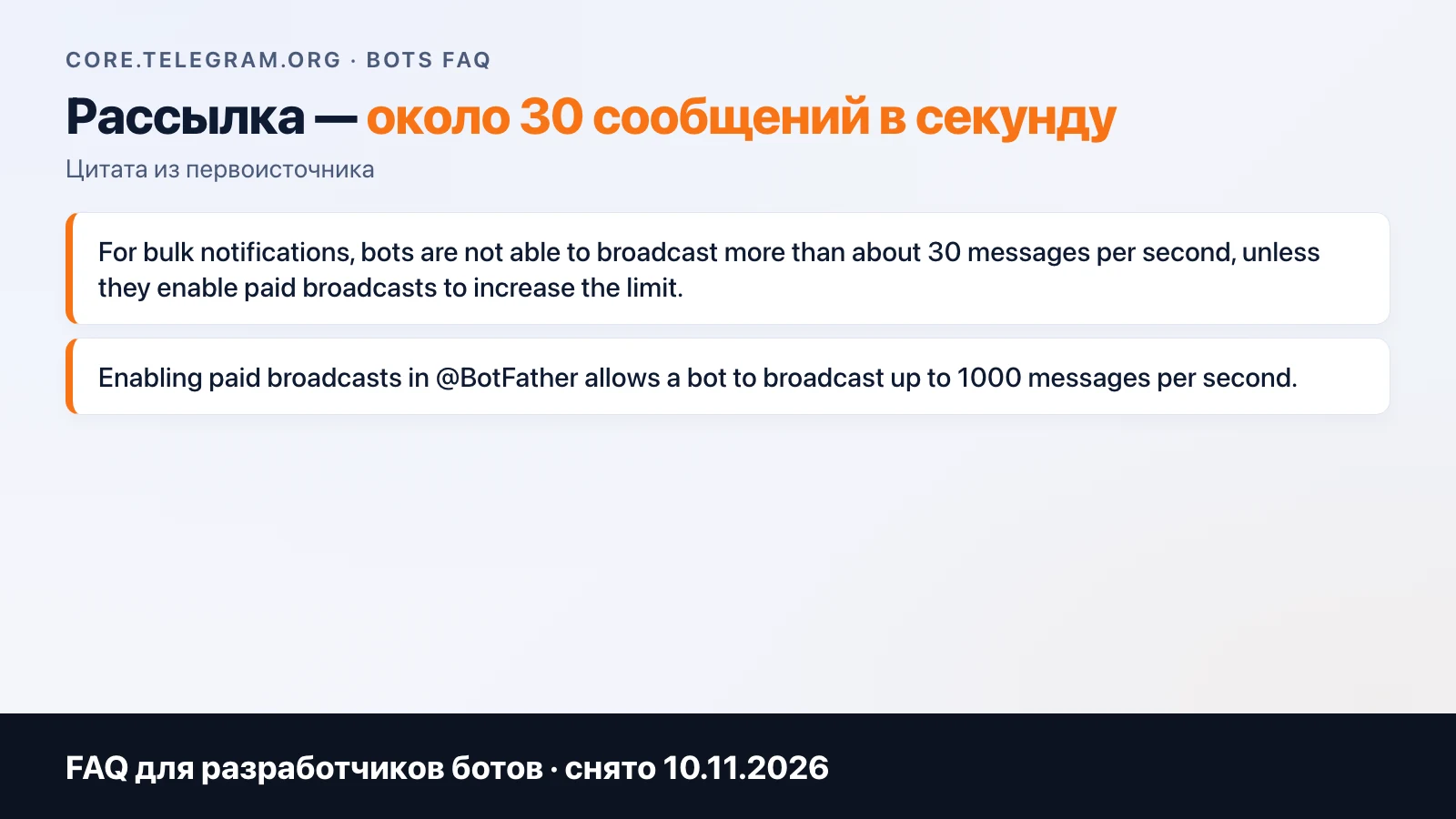
Broadcasts run into Telegram's limit: according to the documentation (checked 10 November 2026), a bot can send about 30 messages per second for free, and beyond that 429 errors begin. With hundreds of subscribers this is not a problem, but a broadcast should go through a queue with pauses. And split messages by type right away: outage, expiring term, promotions. A subscriber who gets ads every day may block the bot, and you will lose the channel for outage messages.
Bot, panel, and admin panel
The panel issues keys and counts traffic. The bot does not reach it directly: after payment the backend calls the panel through the API, creates the user, and ties the result to the payment. What a panel is and which one to choose is in the article on a panel for a VPN service. Which app to give subscribers is covered in the article on Happ and your own app.
Between the bot and the panel sits a backend with a database: subscriptions, payments, referrals, the delivery journal. This is what makes the bot a service, and the admin panel looks at the same backend. In our calculator for September to October 2026 it looks like this:
| Calculator line | Share of calculations |
|---|---|
| VPN panel setup | 82% |
| Admin panel | 68% |
| Backend and payment control | 65% |
| Payment in Telegram | 50% |
| AI support bot | 24% |
| Telegram Mini App | 18% |
There is no separate "bot" line in this list: it is assembled from payment in Telegram, the backend, and the admin panel. The admin panel is needed to see, without a database and a command line, who paid, what is enabled for whom, and where there is a payment without a key.
What the bot does not solve
It does not solve whether the service will work for people. That depends on the network side: behind a pretty bot menu there can be a failing connection. We will not promise a number of paying subscribers: it depends on traffic and the product.
Where to start
The minimal build: a panel, a backend with payment, an admin panel, and a bot on that backend. Apps can be added later. The composition and range are calculated by the ready-made VPN service calculator, where the bot can be taken without apps. If you need your own Mini App on top of the bot, see the app calculator: there it is "Telegram bot" with custom design. Studio news is in our Telegram channel.
Frequently asked
Can I build a VPN bot without a panel?
Technically you can issue keys by hand, but as subscribers grow that quickly stops working. The bot is a layer between payment and the panel: after a payment its backend creates the user in the panel through the API, extends the term, and disables the user when it ends. Without a panel the backend has nothing to call.
What should the bot do on its own, without a person?
Issue trial access, create a key after payment, extend and disable a subscription by term, show the remaining time and devices, count referrals and apply promo codes. A person steps in for exceptions: a disputed payment, a refund, a lost device.
How do I send messages to subscribers from the bot?
A bot can send about 30 messages per second for free; more is possible only with paid broadcasts, which are enabled in BotFather when Telegram's conditions are met (per the documentation as of 10 November 2026: from 100,000 Stars on the balance and 100,000 monthly active users). A small service is fine with the free limit: you just send the broadcast through a queue.
Do I need my own app if I have a bot?
No, a bot and a third-party client are enough at the start. The bot issues a subscription link and the user pastes it into the client. When to choose your own app is covered in the article about Happ.
How much does it cost to build a VPN bot?
The bot is part of a VPN service as the lines "Payment in Telegram" and "Backend and payment control". The calculator on the ready-made VPN service page prices it by composition: you can assemble only the bot and the admin panel without apps.
Related articles
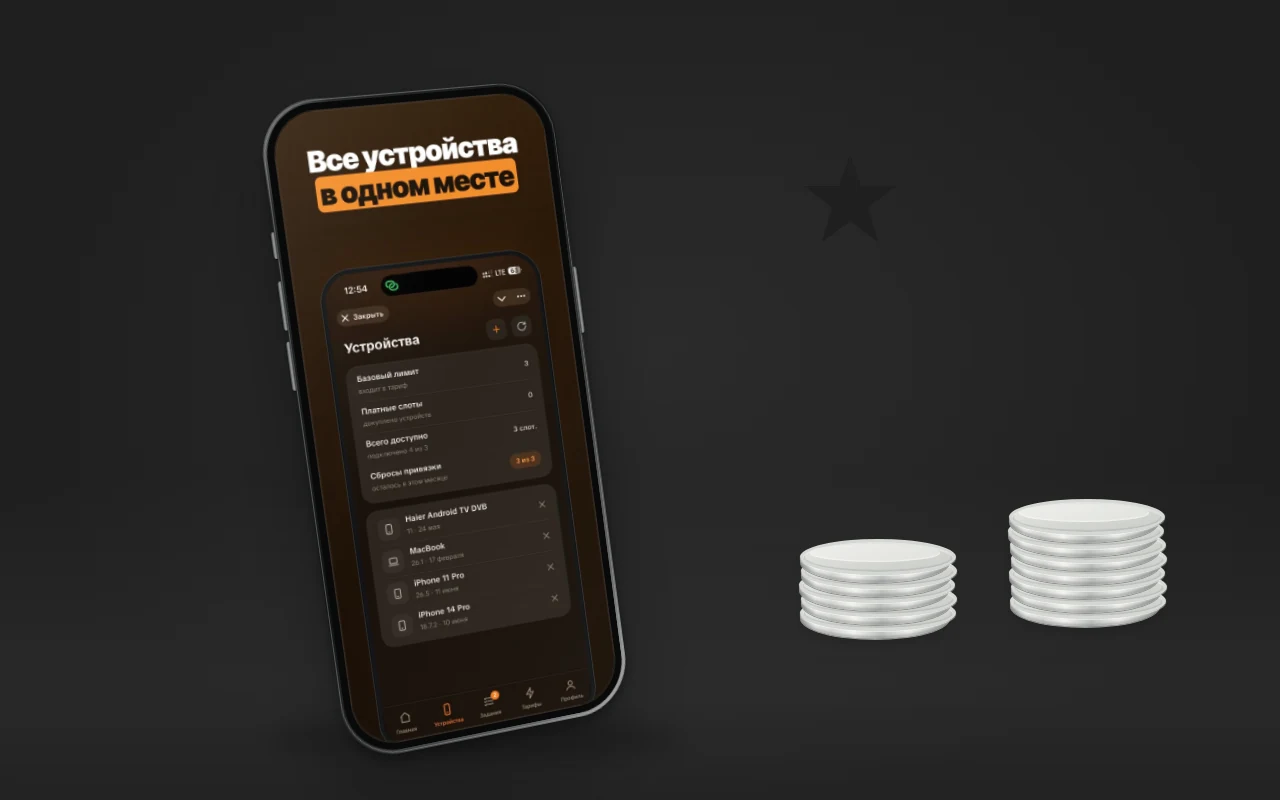
Telegram Mini App: What It Is and How to Build One
A Telegram Mini App is a web app inside Telegram: how it differs from a bot and a site, what it can do (Stars, sign-in) and when a business needs one.
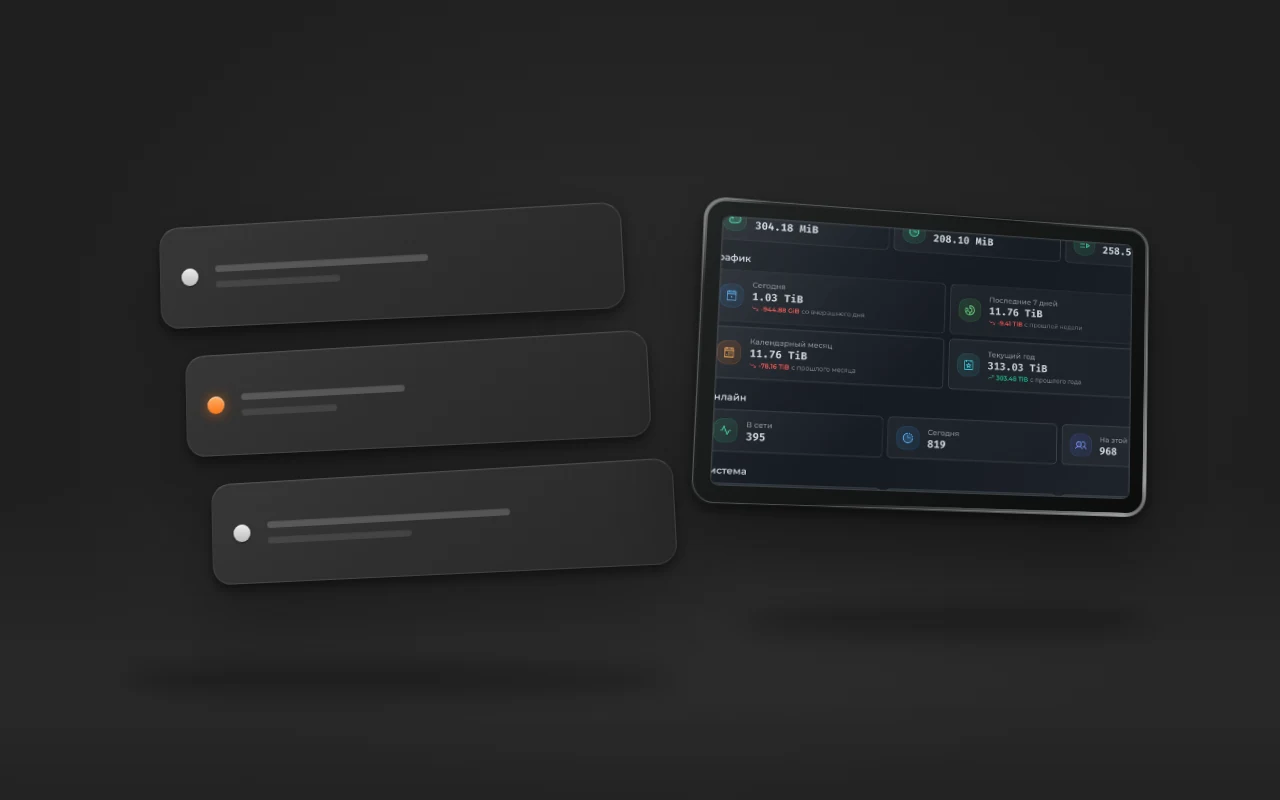
VPN Server Hardware: Which VPS to Pick and How Much It Can Handle
What kind of VPS a subscription-based VPN service needs: bandwidth, traffic limits, CPU. Real numbers from a live service: 79 TiB per month, 395 users online, and what hits its limit first.
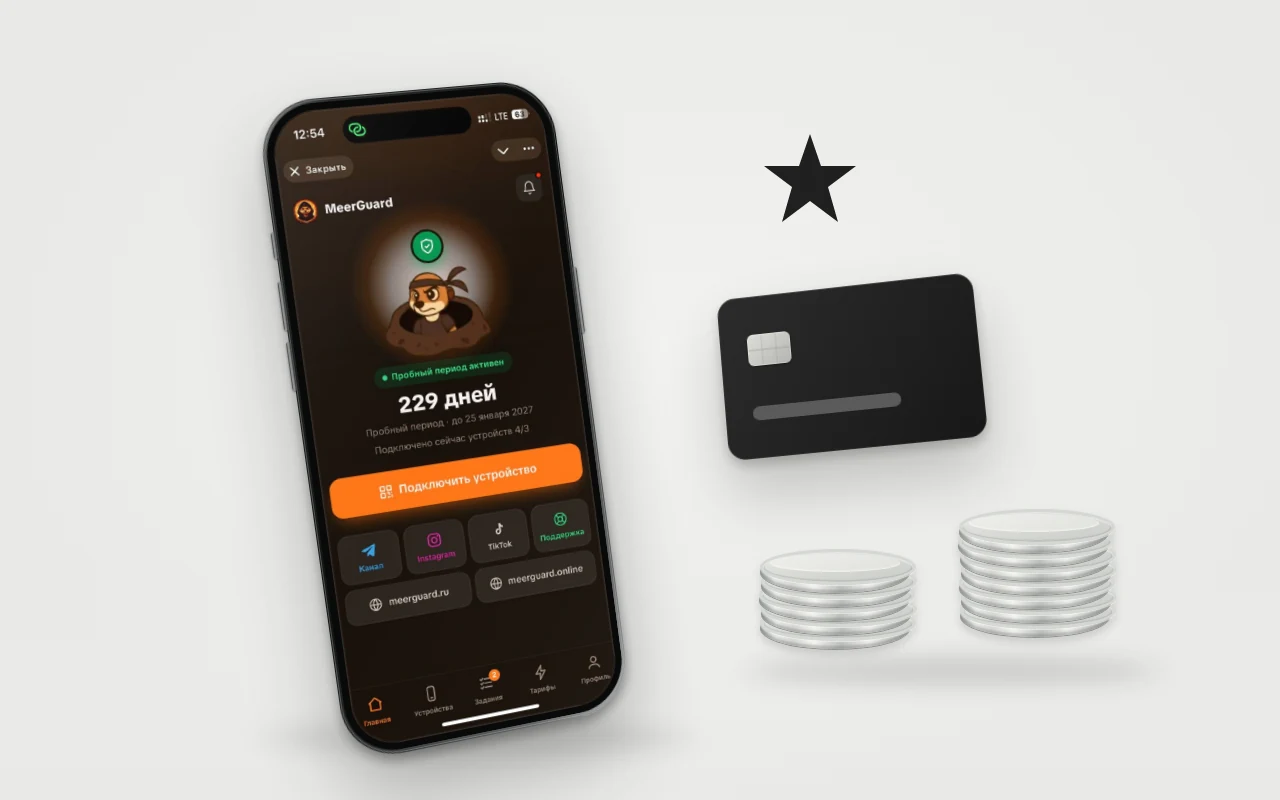
Taking payments in a Telegram bot: Stars, YooKassa, SBP, or crypto
How to take subscription payments in a Telegram bot: Telegram's rule on Stars, YooKassa and Tribute fees, and crypto. How people actually pay in our bot.