Your own VPN service: how to build it and what you need to launch
You can put together your own VPN service from open-source code over a weekend. That's true — right up until the first user you don't know personally. After that comes the work you don't see up front: configs that have to survive on mobile data, App Store review, payments, support. I'll break it down layer by layer, from three years of experience: my own service with 8000+ active users, plus custom VPN apps built for clients.
Let me separate two tasks that often get confused. Standing up a VPN for yourself and a couple of friends is a rented VPS, an hour following any tutorial, and a config you fix by hand when it goes down. This is about something else: how to build your own VPN service to sell — one that strangers pay for, not just you and two friends.
What it takes to build your own VPN service
A working VPN service has five layers: a client app that brings up the tunnel on the device; configs and a control panel on the server; the network side with protocols; a backend with subscriptions, payments and an admin panel; and support staffed by real people. From the outside you only see the first and the last. The rest is what you pay for in money or in your own time.
How we started
The first version came together as simply as possible. We took an open-source bot — the code is publicly available on GitHub, anyone can download it. Bolted on a payment system. We used stock configs straight from the Xray and VLESS documentation.
A bot plus payments — service done. The first users were friends and acquaintances. Classic.
And right away, the question open-source code doesn't answer: where do you find people who don't know you? Friends run out fast, and then it's quiet. The first warning sign showed up right there: in this niche, only getting in is easy.
The iceberg: five layers you don't see up front
When someone says "I'll build it myself or hire a developer," the question is always what exactly they're paying for. Here's what's under the water.
| Layer | What's inside | Where you get stuck |
|---|---|---|
| Client | an app for iOS, Android, Windows that brings up the VPN tunnel on the device itself | it's not "a screen with one button": system networking APIs, background modes, behavior when the network switches |
| Configs and panel | key and config generation, a control panel — Marzban, Remnawave and similar | stock configs from the docs don't come up in Russia, or only work on Wi-Fi |
| Network and protocols | choosing protocols, traffic obfuscation, allowlists at Russian carriers | you need someone on this constantly: what worked last month breaks this month |
| Backend and payments | subscriptions, cards, crypto, Telegram payments, an admin panel for granting and renewing access | payments are a separate project with its own reliability requirements |
| Support | answering users whose "it doesn't work" or "I don't know what to tap" | it's not a one-off task but a constant load on a person |

The fourth layer up close: users, payments, subscriptions, plans, promo codes, referrals — and that's just the Money section. Amounts and payment provider names are hidden; I'm showing how it's built, not the revenue.
Separately, one thing the people selling development services rarely say: if you're just testing the niche, an open-source bot and basic payments are enough to start. That's how I started myself, and I'm not going to tell you "don't build it yourself." It makes sense to factor in these five layers once you have more than a hundred users and people start expecting the service to be stable.
Why stock configs don't work in Russia
VPN configs are created and managed on the server — through a panel like Marzban or Remnawave. The panel installs in an evening. It's not the problem.
Publicly available configs are mostly dead on Russian networks. Sometimes they come up, but only on Wi-Fi. The user walks outside, switches to mobile data, and the connection drops. From their side it's simple: "your VPN doesn't work," a refund, a review in the store.
Getting a config to the point where it holds on both Wi-Fi and mobile data across different carriers is engineering work with testing on real SIM cards. Doing it once isn't enough: networks change, and the settings have to be rebuilt.

The panel that keeps the configs running: traffic, nodes, who's online right now. It installs in an evening — but what's inside the configs is exactly that work you don't see.
App Store: why VPN apps get rejected
Apple doesn't ban VPNs. Dozens of services live in the store without issue. But a new app in this category has a hard time in review, and here's why.
The App Review Guidelines have a clause about saturated categories: if an app offers nothing unique, it gets rejected. There's a separate clause about duplicates — "similar to other apps in code, description, or idea." VPN apps are similar to each other by definition, so they fall under those wordings easily.
There are ways through, but they keep changing. There have been good stretches: a release in a couple of weeks. And there were times when we guided a single app through review from January through May 2026 — almost six months of rejections in a row.

This is what it looks like from the developer's side: the fourth message in the thread and again 4.3(a) — "the app looks like others in its binary, metadata, or concept." The client's data and the submission ID are hidden. A detailed breakdown of specific rejections and Apple's wording is in a separate article about six App Store rejections.
The background is worth understanding too. Over the summer and fall of 2024, Apple removed around 60 VPN apps from the Russian App Store (TechRadar, The Record). In 2025 and 2026 the removals continued. The niche shifts under your feet, and that's part of the risk you need to factor in from the start.
The Apple Developer Account and the D-U-N-S Number
To ship a VPN app as a business, you need an organization account in the Apple Developer Program. An individual account won't do: you'll get rejected on your very first submission.
Membership costs the same $99 a year as a regular one. The difference is in the setup: the account is registered to a company, and the company needs a D-U-N-S number — an international business identifier, something like a company registration number, only global. You can get one for free, but it takes time and a registered company.
The second path is to buy a ready-made account, and then the main risk shifts to finding a seller who won't vanish with your money.
The third path is to take an app that has already passed review, along with the account. That settles the company and D-U-N-S question before you've even opened Xcode.
Support and churn: what eats your revenue
Nobody thinks about this layer at the start, yet it's the only one that works every day. Inquiries fall into two types, and neither is about VPN: "it doesn't work" and "where do I tap." The first is almost always mobile data — the VPN came up fine on Wi-Fi, the person left home, and the tunnel dropped. The second is people installing a profile for the first time in their lives.
Worse than the inquiries are the people who never write. An unhappy user rarely complains: they just don't renew. In reports that doesn't look like a breakdown, it looks like "fewer renewals this month," and you have to track down the cause after the fact — from connection logs, from carriers with outages, from the step where the person dropped off.
Hence a non-obvious conclusion for your numbers: support isn't a staffing expense line, it's part of the product. Every "where do I tap" is a screen you made confusing. Every "it doesn't work" is a config you didn't test on the right carrier. What you save on those two comes back as churn — silently.
How much people make at this
There won't be a screenshot with a number here. That's a trick of people selling courses, and it says nothing about your own future results.
Let me put it differently. The VPN app market is alive: revenue runs into billions of dollars a year, users into hundreds of millions worldwide. You can't call the niche dead, and VPN businesses exist outside the promises of affiliate programs.
But how much you specifically make depends very little on the app. The app is a tool. The money is made by everything around it: how much you put into acquisition, how much goes to servers and support, and how fast users leak away from you. A service with a great client and no traffic channel makes zero. The reverse is true too, by the way: with a stream of traffic and a bad client, you're simply paying for refunds.
Build it yourself or take ready-made
| Build it yourself | Ready-made solution | |
|---|---|---|
| Start | open-source bot and payments — a couple of weeks | app is already in the store, account included |
| Apple account | company, D-U-N-S, waiting | handled |
| Configs for Russia | your own engineering work with carrier testing | working configs, ready to go |
| Review | a lottery, from two weeks to six months | already passed |
| Control | all yours, change it however you like | you upload your own code, infrastructure is ready |
| When it fits | validating a hypothesis, small audience, time on your hands | launching a business when time costs more than sorting things out |
The honest dividing line between the columns comes down to one question: what is your month worth. If you're testing an idea and losing a month isn't a big deal, build it yourself — and you'll understand the system from the inside, too. If you already have an audience or a traffic budget, six months of back-and-forth with App Review will cost more than development.
What exactly is in the right column — apps, a backend with payments, an admin panel, a website, support — and what it costs by layer is covered on the ready-made turnkey VPN service page. There's also a quiz: it estimates a price range based on which layers you already have covered.
How we work now
We no longer start every project from scratch. We have working configs for Russian networks, a client that keeps the tunnel up on both Wi-Fi and mobile data, a backend with payments and an admin panel. And that very app that was rejected from January through May — we got it through, it's ready.
We build in modules: some clients already have a bot and only need the apps, others need the opposite. What's in each layer and how it fits together is laid out on the turnkey VPN service page. Other areas of development are on the services page.
If you're thinking of launching your own VPN service, message us on Telegram — we'll go over your task and tell you what makes sense to build yourself and what to take ready-made. We don't quote prices off the top of our heads: it depends too much on which layers you already have covered.
The Bottom Line
If you're budgeting for the barrier to entry, don't budget for the first month — budget for the second year. A bot with payments costs you two weeks. After that come rebuilding configs after yet another round of network changes, App Store reviews with unpredictable turnaround, and someone who spends every day answering "it's not working for me." That's the part that decides whether your service is still around in a year.
Frequently asked
How is a personal VPN server different from a VPN service you sell?
A server for yourself is one rented VPS and a config you edit by hand when it goes down. A service you sell means handing out access to strangers, taking payments, issuing refunds, shipping apps to the stores, and providing support. The first takes an evening with any how-to guide; the second becomes a job.
Can you launch a VPN service on an open-source solution?
Yes, that's enough to test demand: a bot from GitHub, a payment processor, configs from the Xray documentation. That's how we started, too. The limits show up later — on mobile data, during App Store review, and under the flow of support requests.
Do you need an Apple organization account for a VPN app?
Yes. Apple accepts VPN apps only from an Apple Developer Program account registered to a company. Such an account requires a D-U-N-S number — an international business identifier. The number itself is free; program membership costs $99 a year.
Why don't VPN configs from the documentation work in Russia?
Stock Xray and VLESS configs don't account for how filtering works at Russian carriers. A common scenario: the connection comes up on Wi-Fi and drops on mobile data. That's separate engineering work, not a line in the settings.
What do you need besides the app to sell access to your own VPN?
A way to take payments with subscriptions, refunds and renewals; an admin panel for issuing access; a customer acquisition channel; and someone on support. The app is just a tool: a service with no traffic channel earns nothing, and a service with traffic but a broken client pays for refunds.
How long does it take to launch a VPN service?
A Telegram bot with payments takes a couple of weeks to build. Client apps depend on review: some releases take two weeks, while one app can sit in review from January through May. Setting up the company and D-U-N-S adds a few more weeks.
Related articles
VPN Server Hardware: Which VPS to Pick and How Much It Can Handle
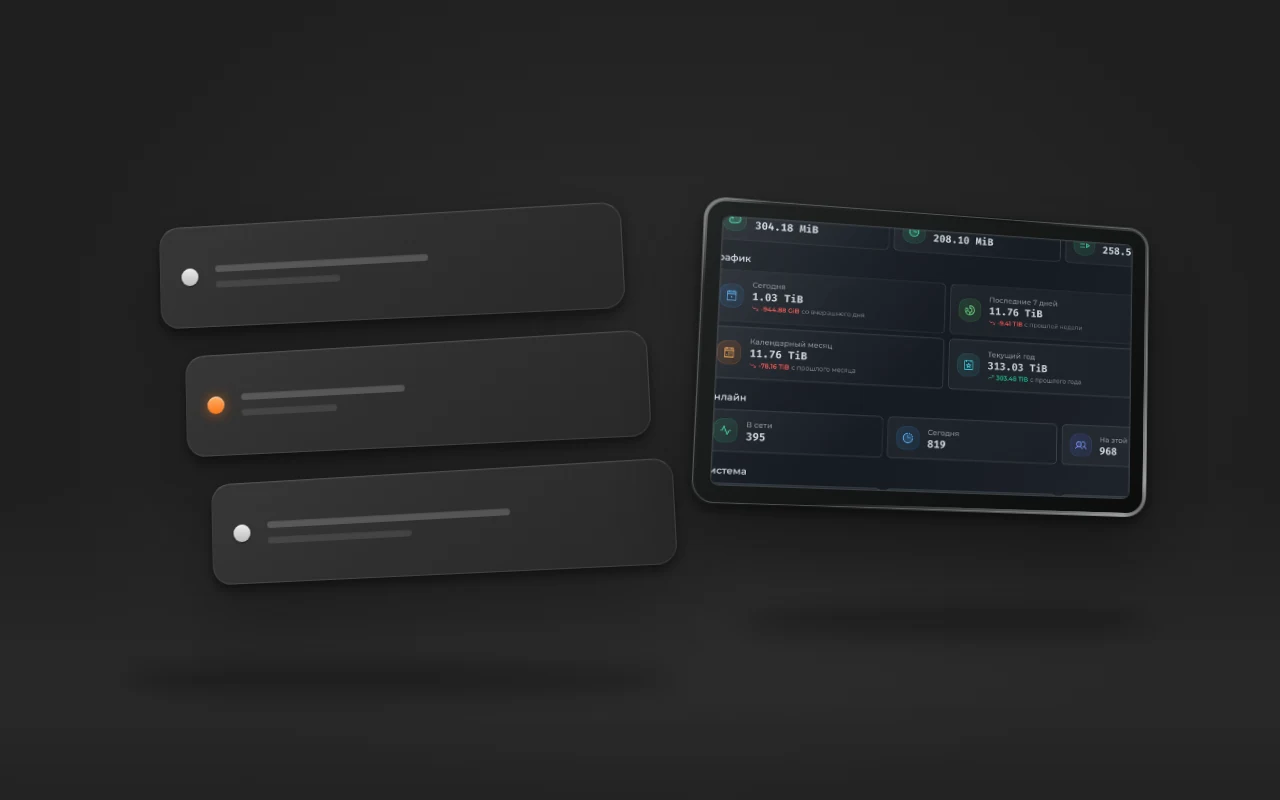
What kind of VPS a subscription-based VPN service needs: bandwidth, traffic limits, CPU. Real numbers from a live service: 79 TiB per month, 395 users online, and what hits its limit first.
Your Own App or Happ: What to Give VPN Service Customers
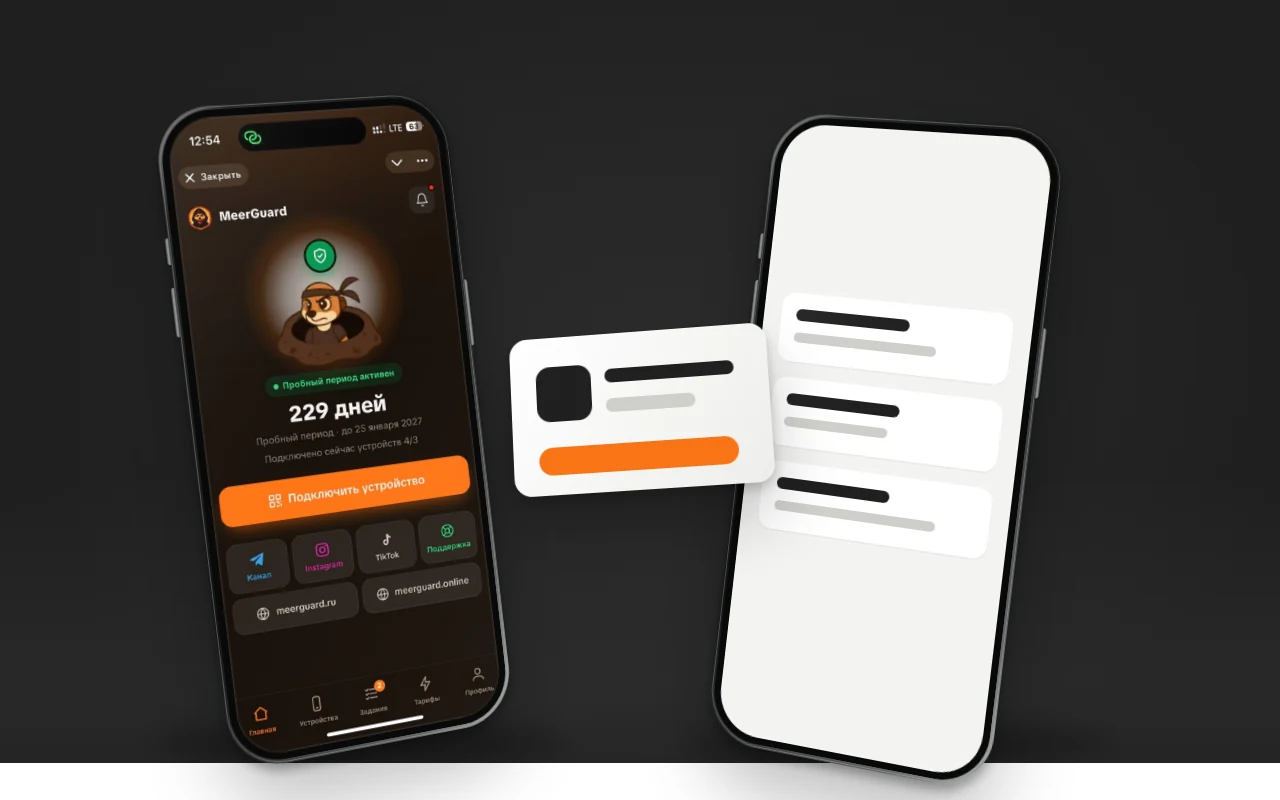
Happ is free and installs in a minute, but it keeps getting pulled from the Russian App Store. Your own app can take months to pass review. What to give subscribers, and when.
Taking payments in a Telegram bot: Stars, YooKassa, SBP, or crypto
How to take subscription payments in a Telegram bot: Telegram's rule on Stars, YooKassa and Tribute fees, and crypto. How people actually pay in our bot.